
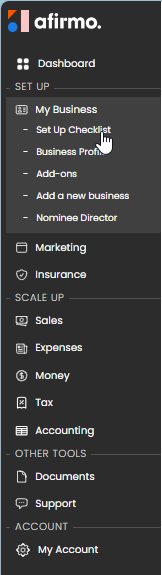
In the main menu, click on the My Business and then select Set Up Checklist
You will find the first page of the checklist. There is a question mark ? beside each item to explain a little bit more about what it means.
Some items have a crown beside the item. These are premium items. For paying customers, an in-depth article is available.
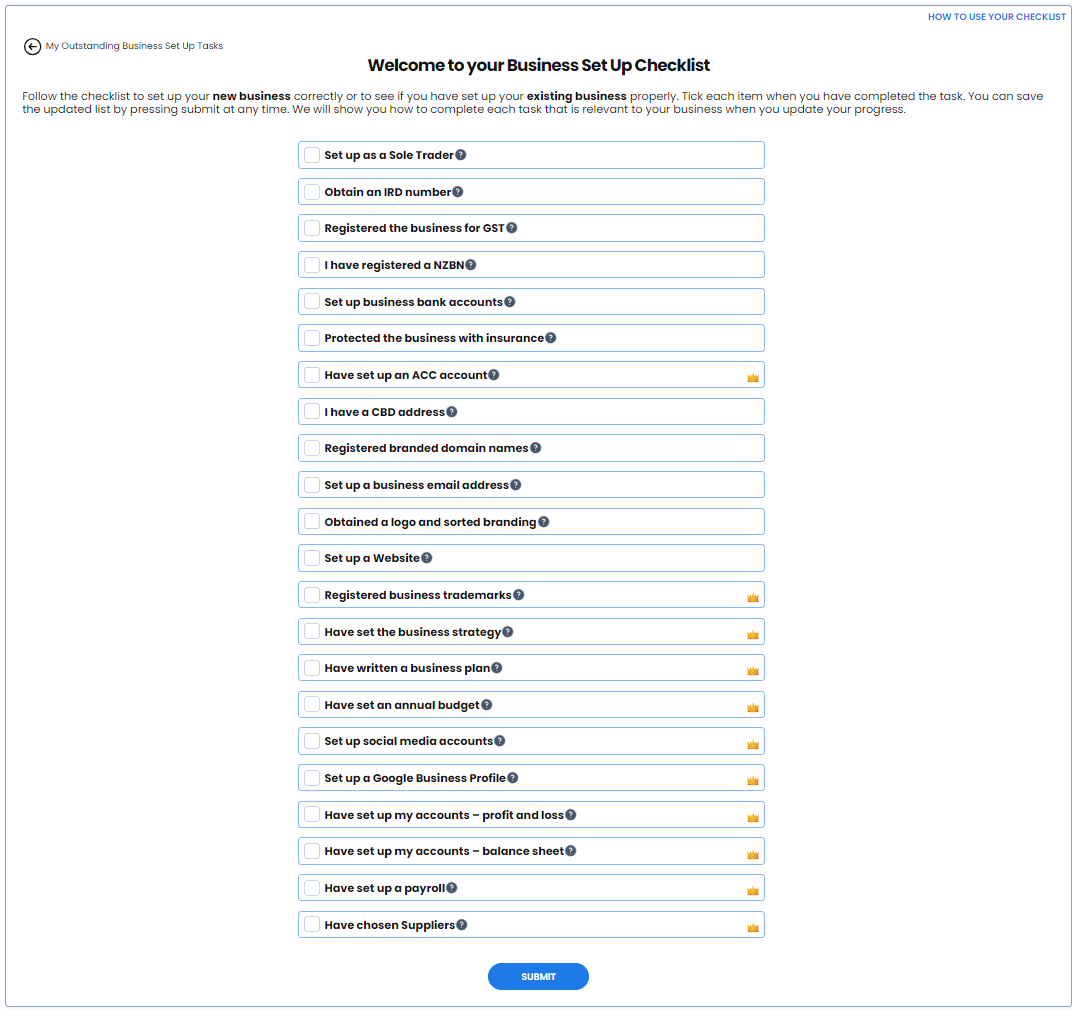
Tick each item from the checklist that you have already completed. If you are not sure, leave it unticked so you can check it later. Once you have selected all your completed items, click the SUBMIT button.
The next page shows you the tasks you still need to consider doing to set your business up.
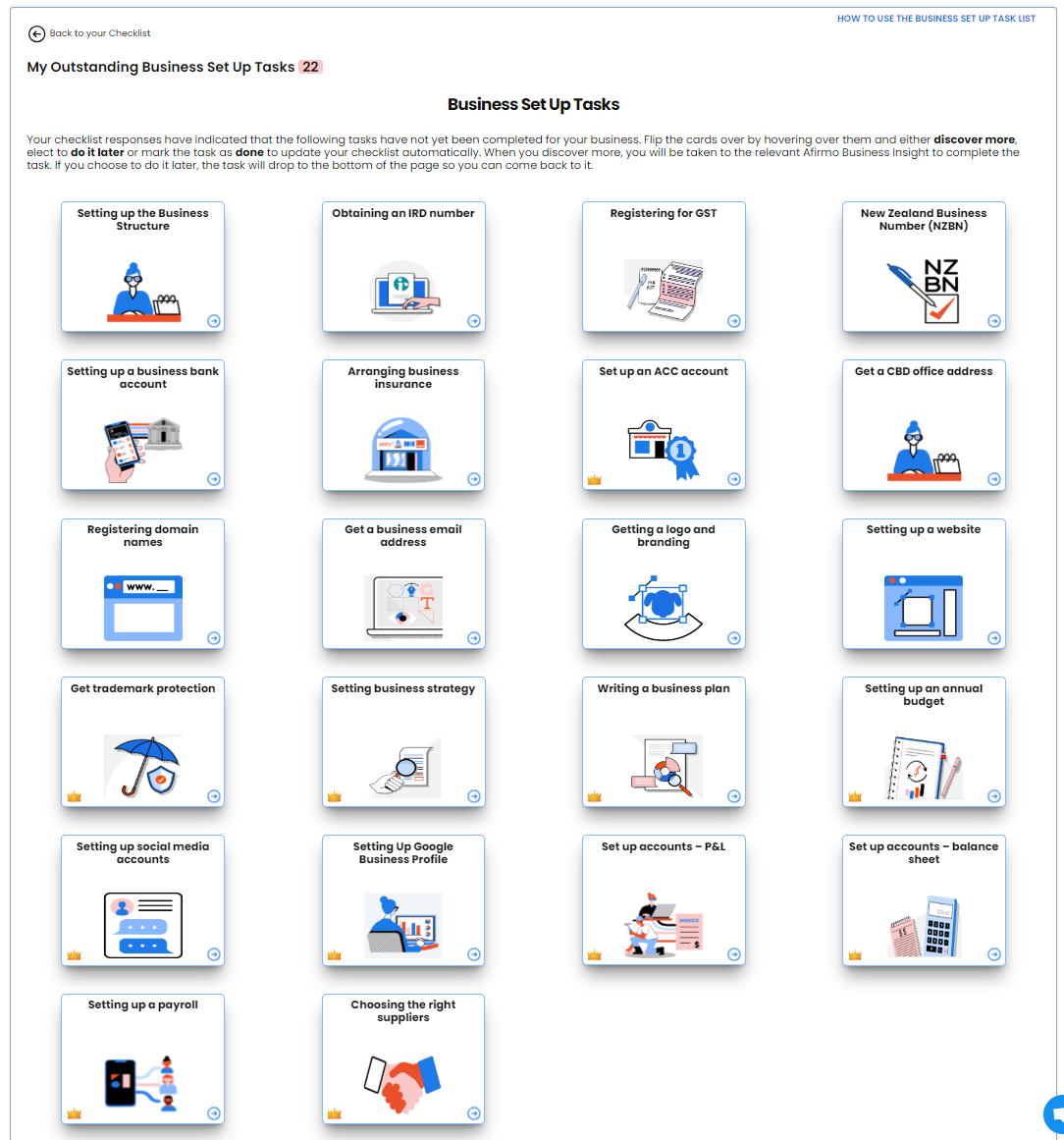
When you hover over each of the tiles, you will see three options Discover More, Do it later or Done
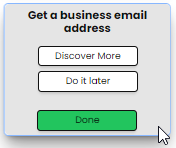
The Discover More will open an article to learn more about what the item is and why you should consider it.
The Do it later will move the tile down to the bottom of the page so you can concentrate on the tiles you want to do now.
The Done will remove the tile and add a tick box to the first screen Checklist.