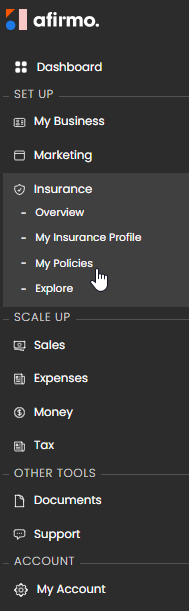
On the Main menu, click on Insurance and then select My Policies
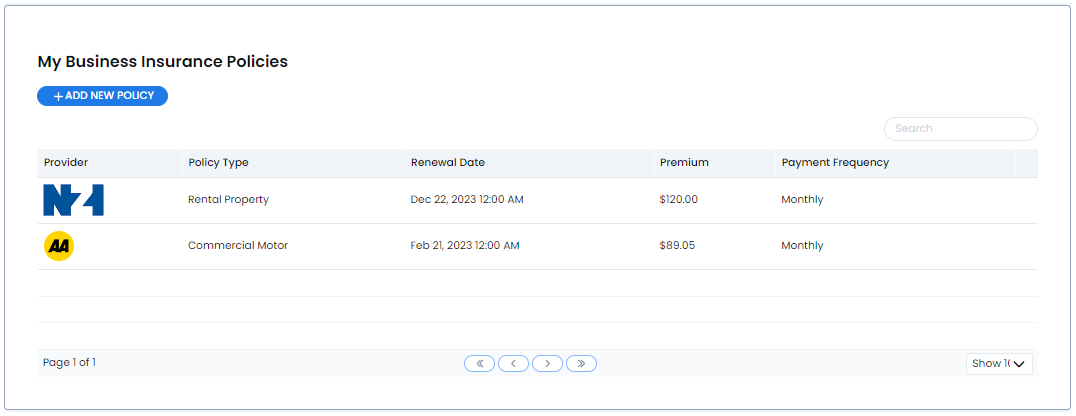
You will see the My Business Insurance Policies screen
Click on ADD NEW POLICY and then click on CHOOSE FILE
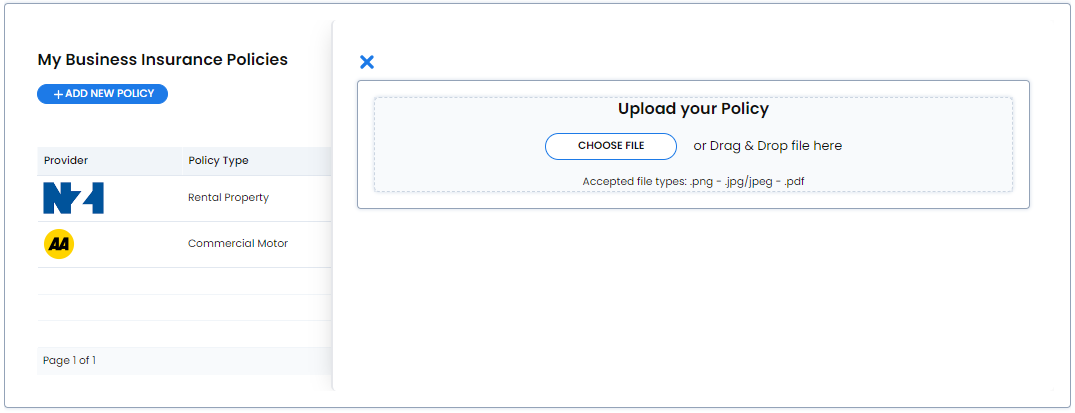
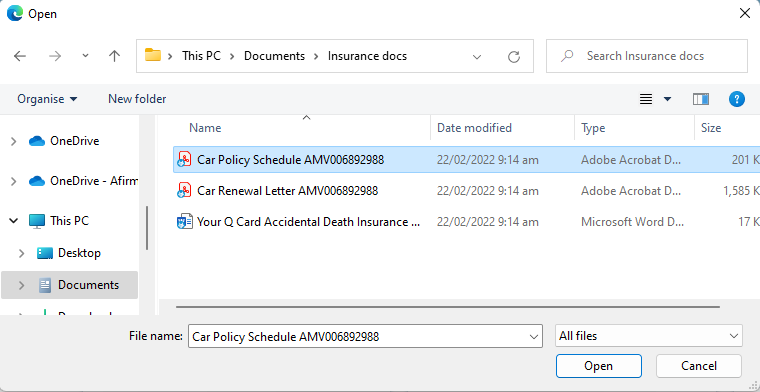
Select the file you want to upload and click Open
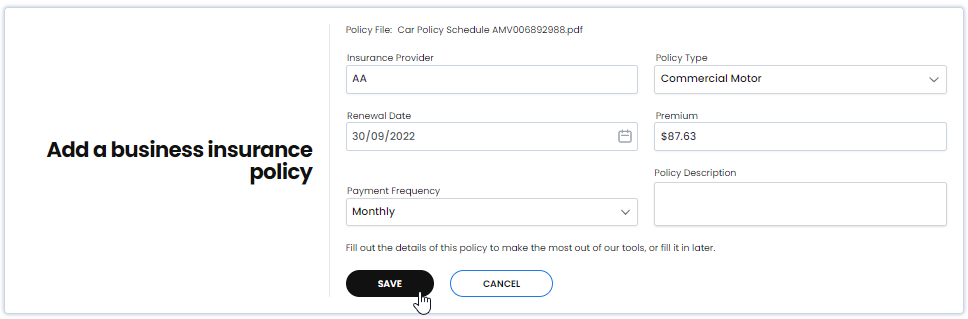
The document is uploaded. Fill in requested information and then click Save
My Business Insurance Policies has updated and saved the policy file
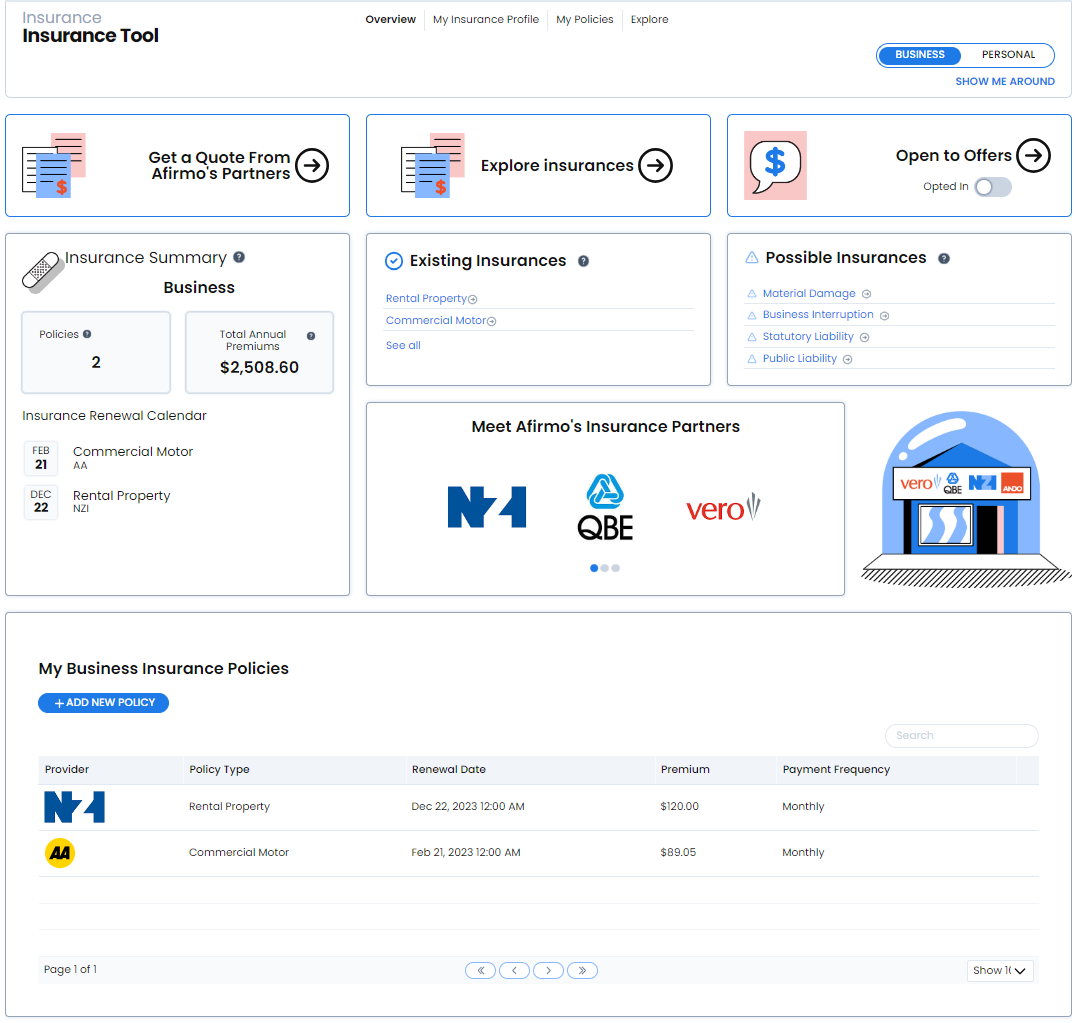
You can see on the Overview the updated number of Policies, Total Annual Premiums, Calendar reminder for due date and a summary of your uploaded policy The list of Existing Insurances has also updated