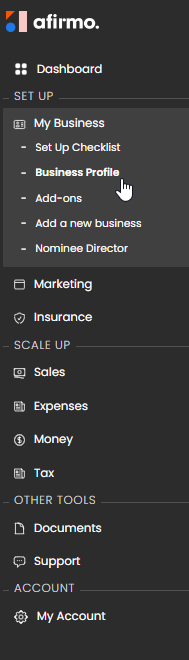
On the Main menu, click on My Business and then select Business Profile
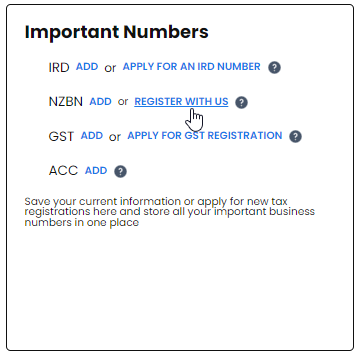
Scroll down to the Important Numbers tile, find NZBN and click on REGISTER WITH US
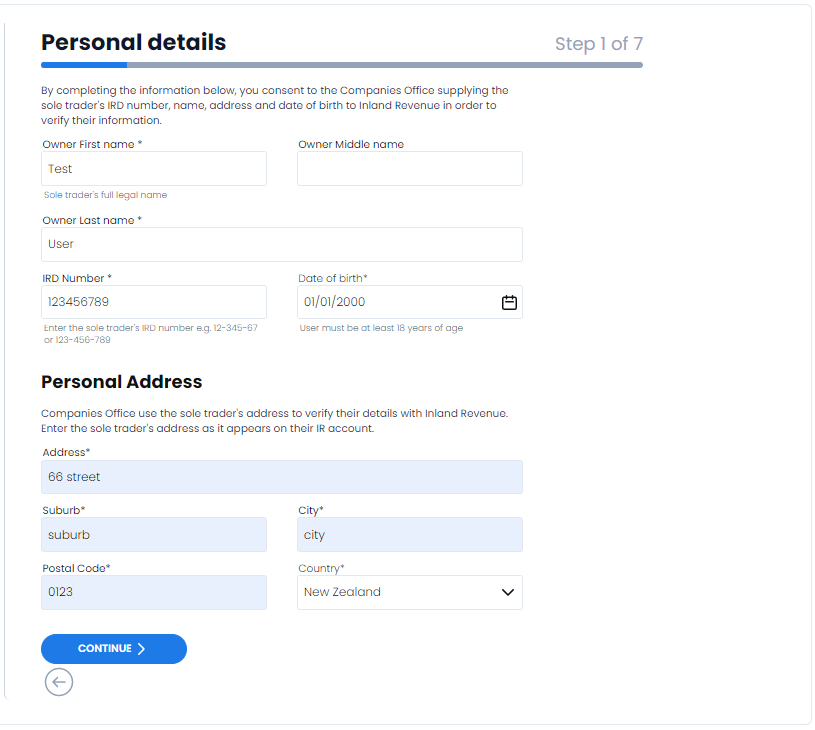
Step 1 of 7. Fill out your personal details on and click CONTINUE
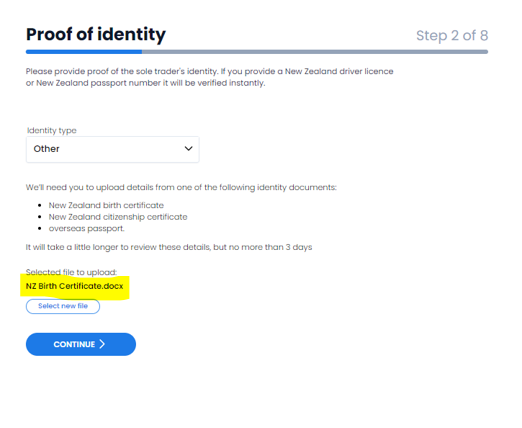
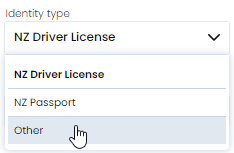
Step 2 of 7 is where NZBN requires proof of identity. Click on Identity type and select other.
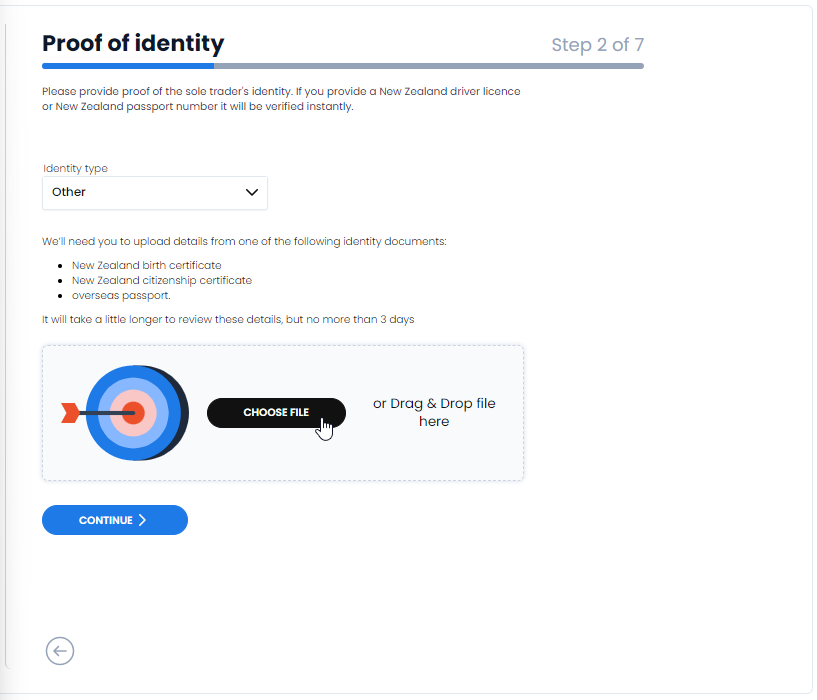
The file download tile will appear. You have the option to drag and drop your file here or you can click on CHOOSE FILE and upload your document from whatever device you are using.
NB You do not need to upload a file of your NZ passport or NZ drivers licence. The download option is for adding either your:
- New Zealand birth certificate
- New Zealand citizenship certificate
- Overseas passport.
NB It will take a little longer to review these details, but no more than 3 days
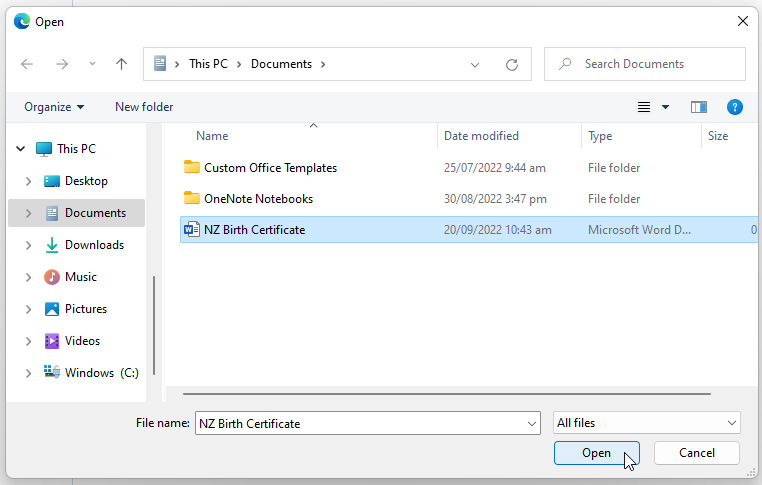
Find the file you want to download and click on open
Your File is now uploaded. Click CONTINUE to move to step 3