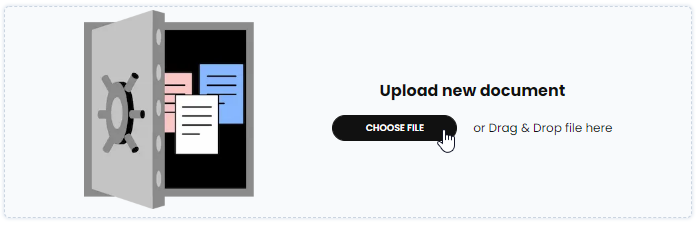
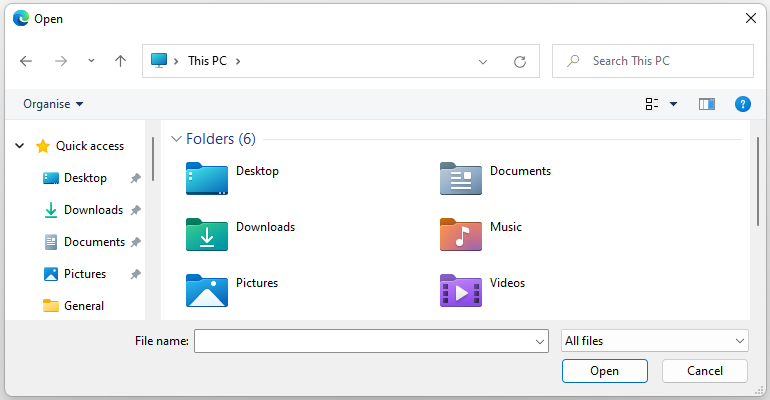
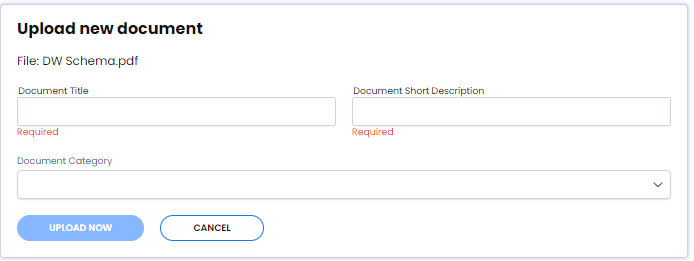
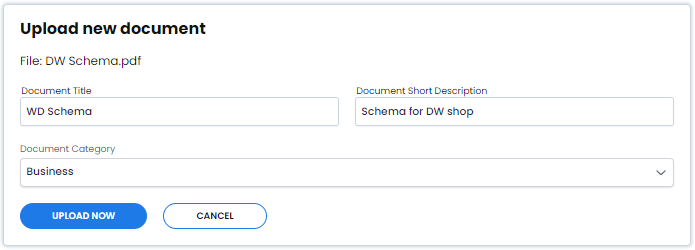
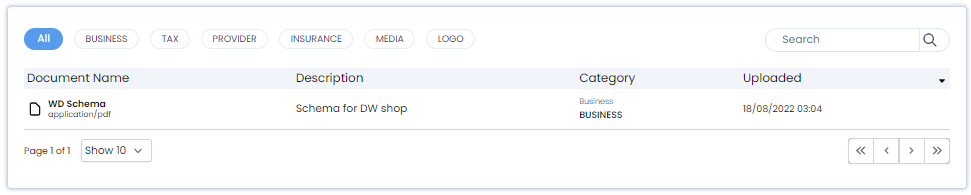
The Document Vault lets you upload, store and organise business files inside Afirmo.
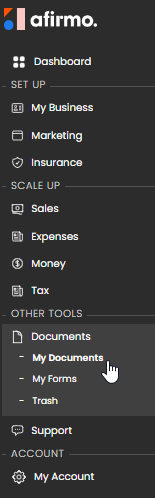
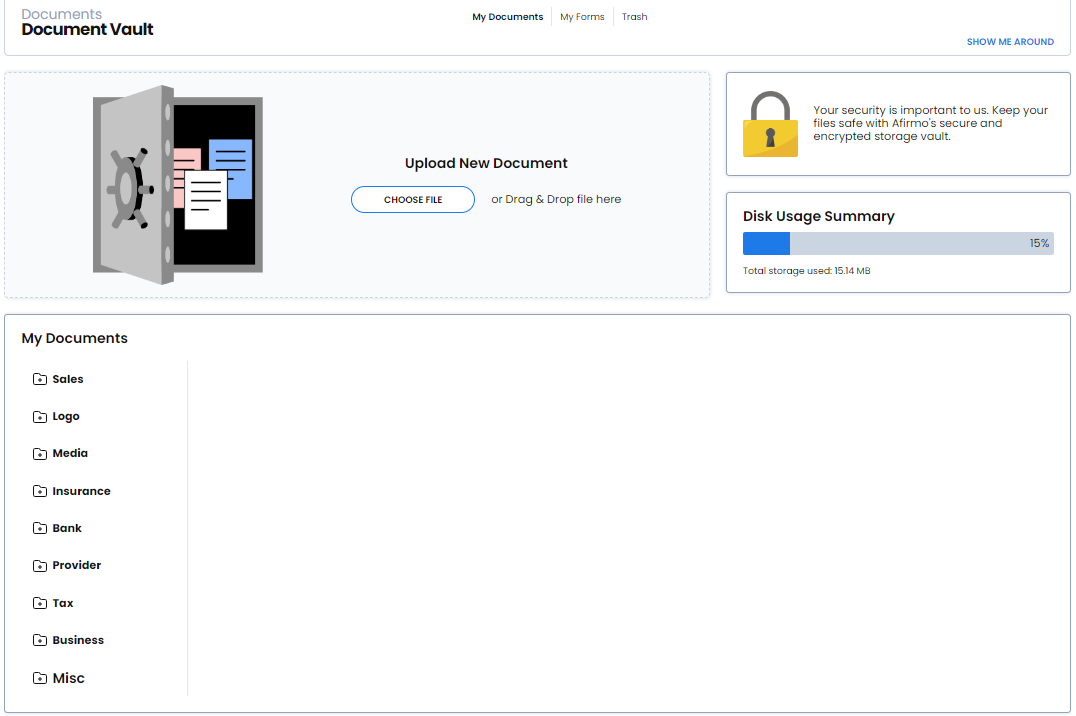
Go to Others > Documents > My Documents. The screen heading is Document Vault.
The current app provides these folders:
- Imports;
- Sales;
- Logo;
- Marketing;
- Tax;
- Bank;
- Provider;
- Insurance; and
- Business.
Open the relevant folder to see which documents are present. Do not assume that every file created, submitted or received through Afirmo is copied into the Vault automatically. A document is available there when it appears in the relevant folder or has been uploaded.
Keep your own copy of any critical business or tax record and ask the Afirmo team if you cannot find a document you expected to see.