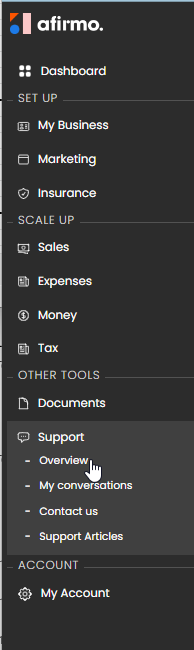
In the menu, click on the Support, Overview
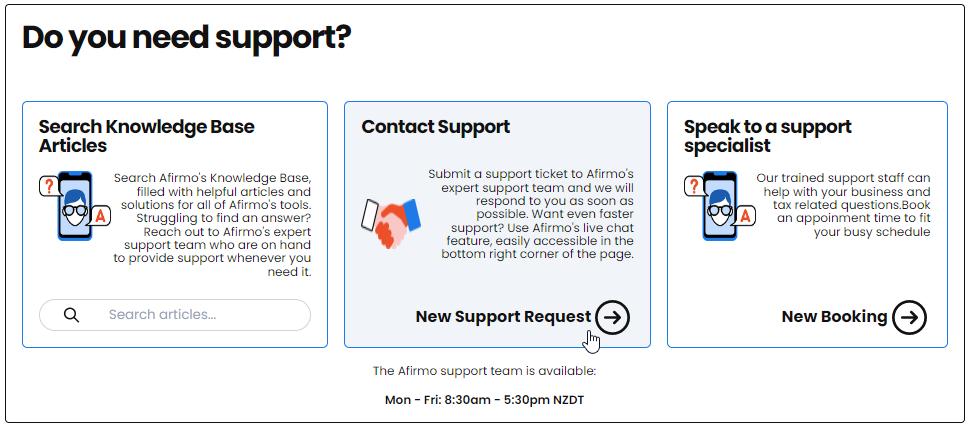
Click on the New Support Request
A New Support Request form will pop up. Fill in all the files and click SUBMIT FORM
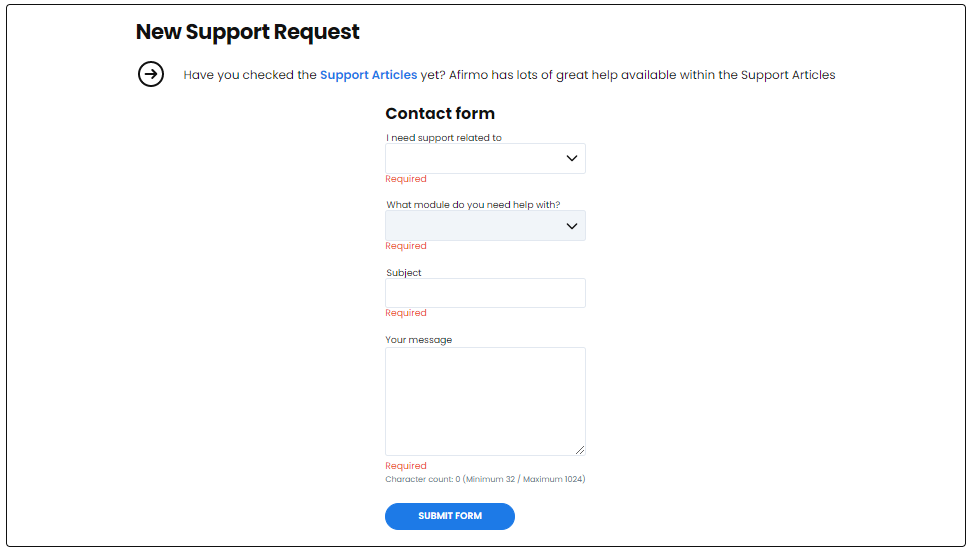
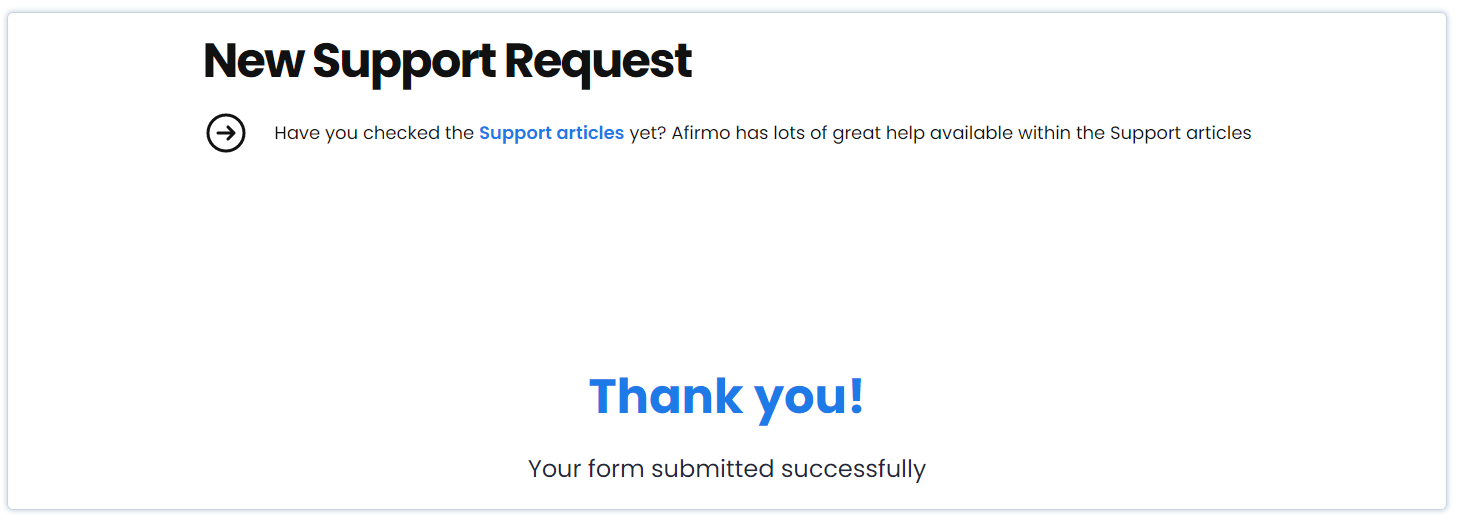
The New Support Request is now submitted and a member of the Afirmo support team will get back to you as soon as they can.
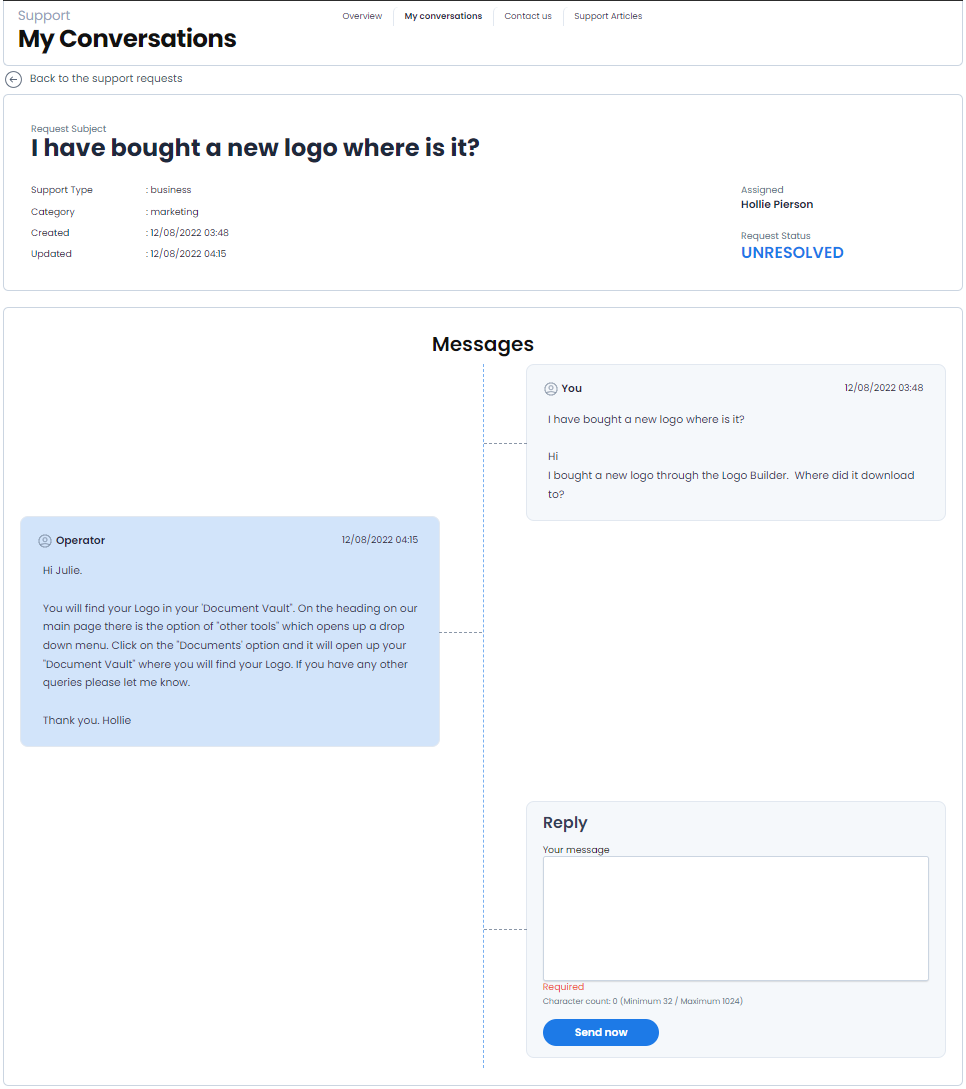
Under the Support menu, you will see My Conversations You can see your ticket history and see the responses from Support when they come through
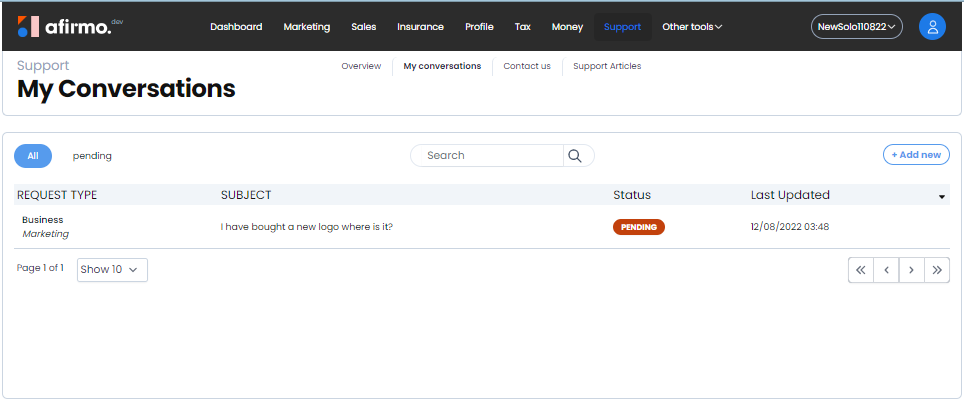
Click on the ticket you want to view to see the response or history
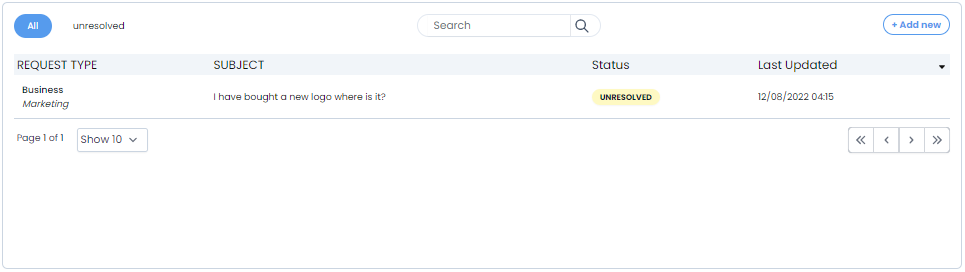
You can reply to the ticket if you need more help or let the Support team know your issue is resolved.