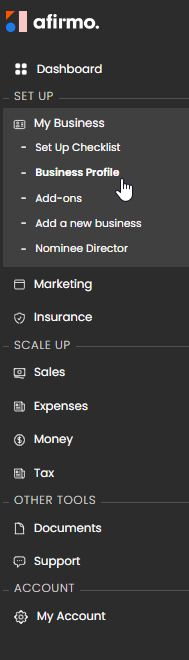
On the main menu, click on My Business and then select Business Profile
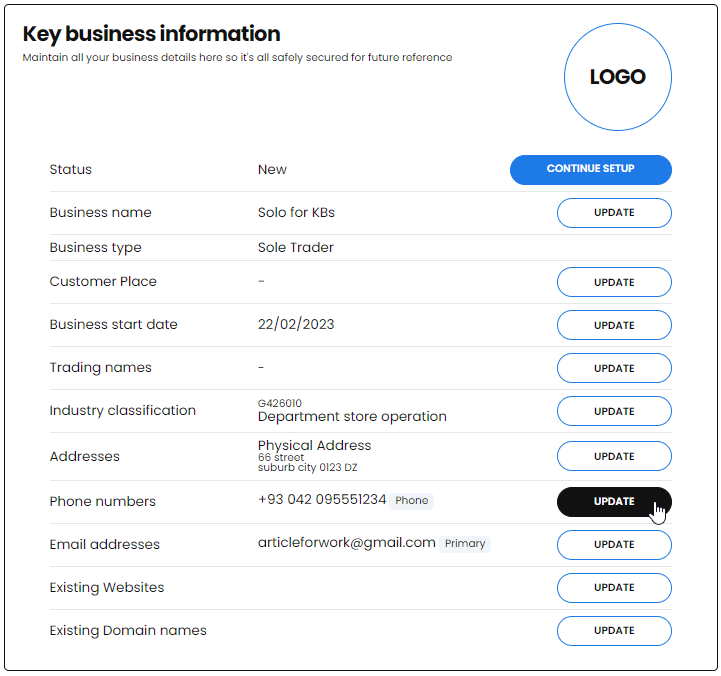
Scroll to the Key business information tile, find the Phone numbers field and click update
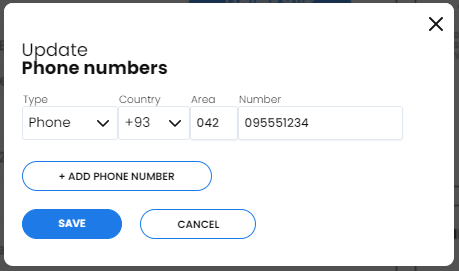
Make the changes to the phone number and click the SAVE button
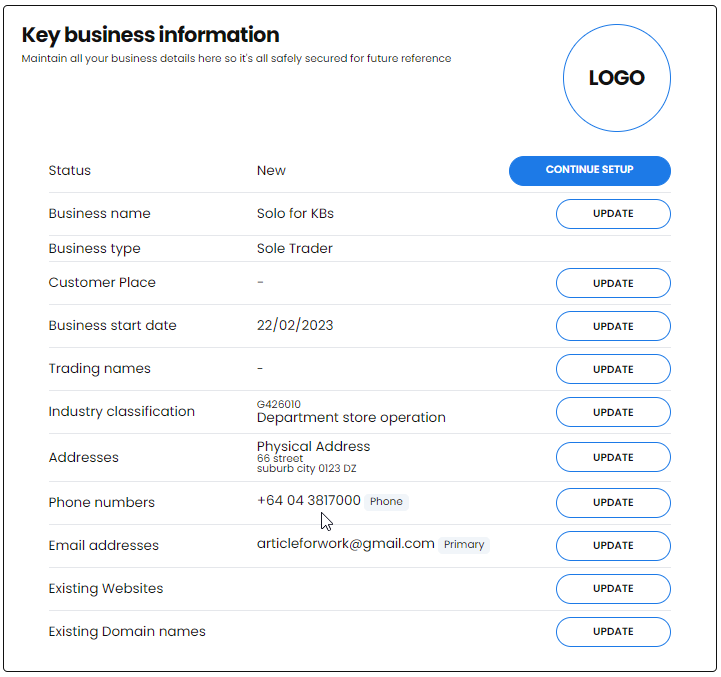
In your Key business information your phone number will now be updated.