Use this process to change an existing product or service in Afirmo.
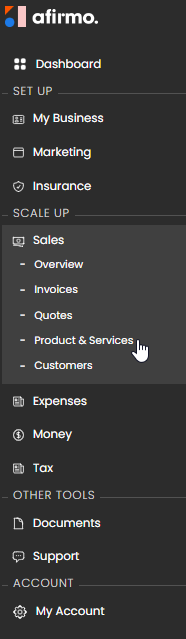
1. Go to Sales > Product & Services.
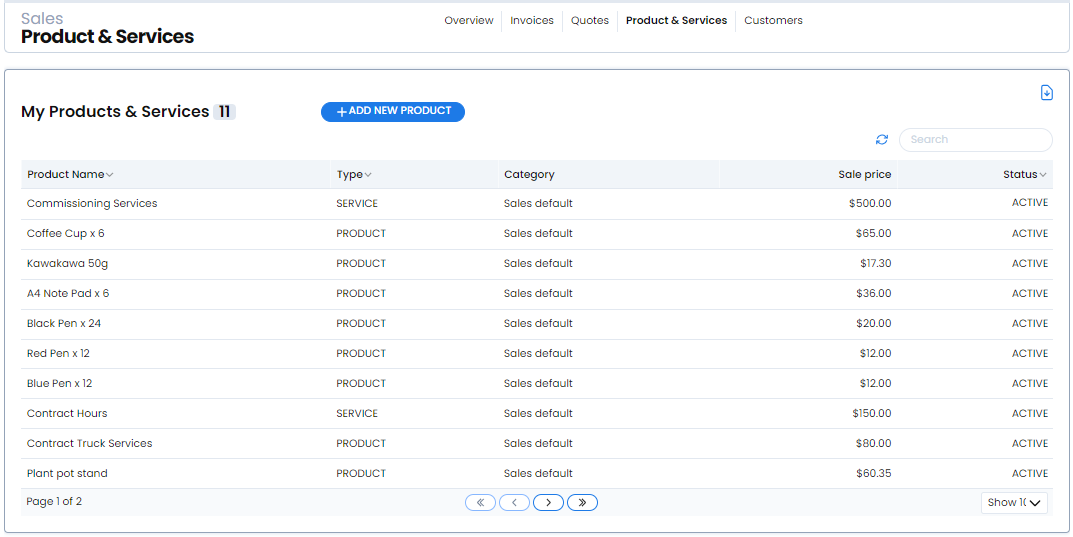
2. On My Products & Services, select the existing item you want to change.
3. In the details panel, select Edit.
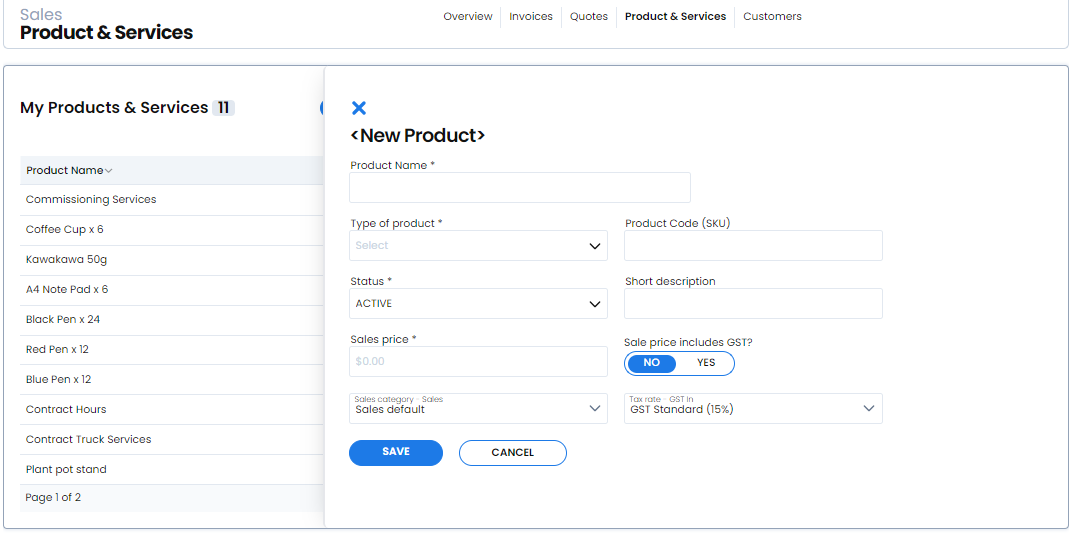
4. Change the required fields.
5. Select Save.
The Save control remains unavailable until a field has been changed.
Do not select new product when you only need to update an existing item. That control creates another item instead of changing the original.