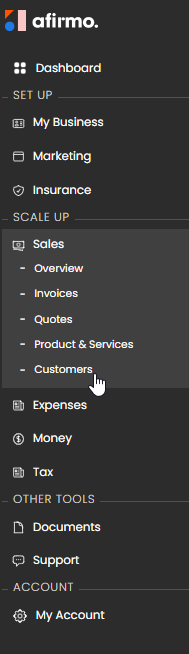
On the Main menu, click on Sales and then select Customers
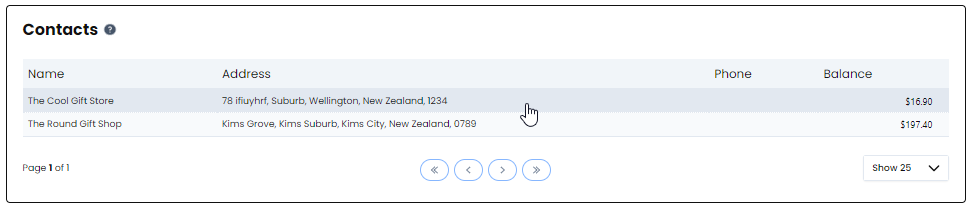
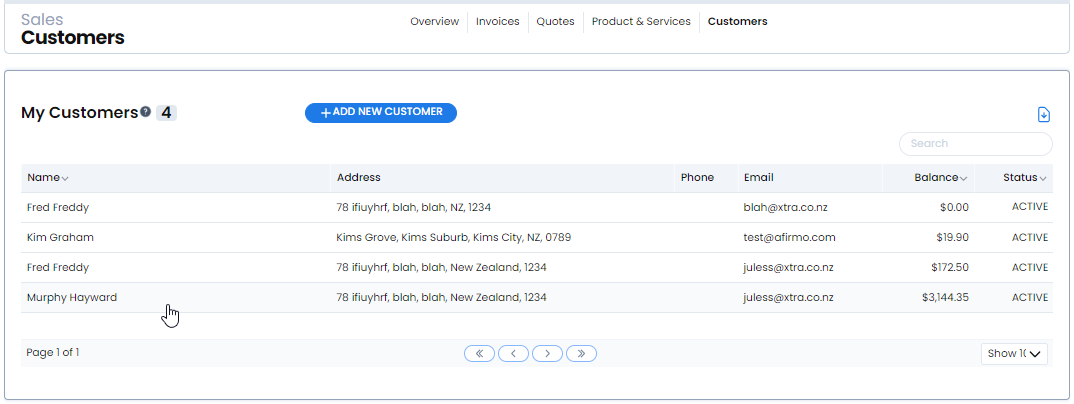
Click on the name of the customer you want to edit
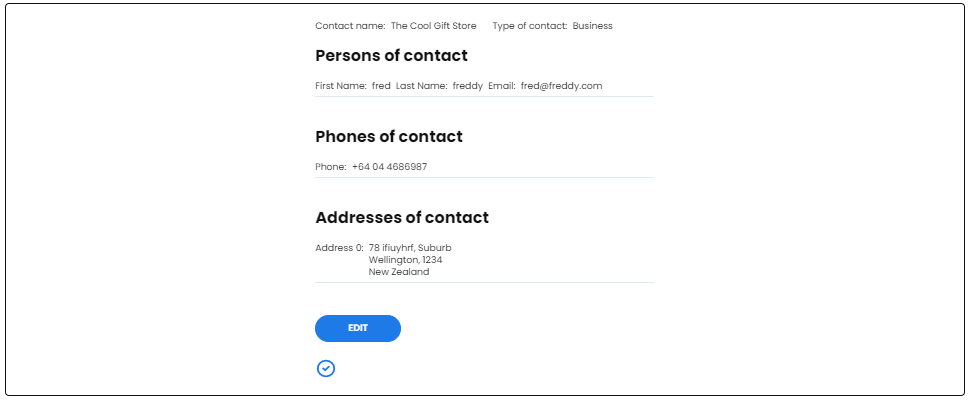
The Customer Information is shown. Click on EDIT
Once you have edited the information that needed changing click on SAVE
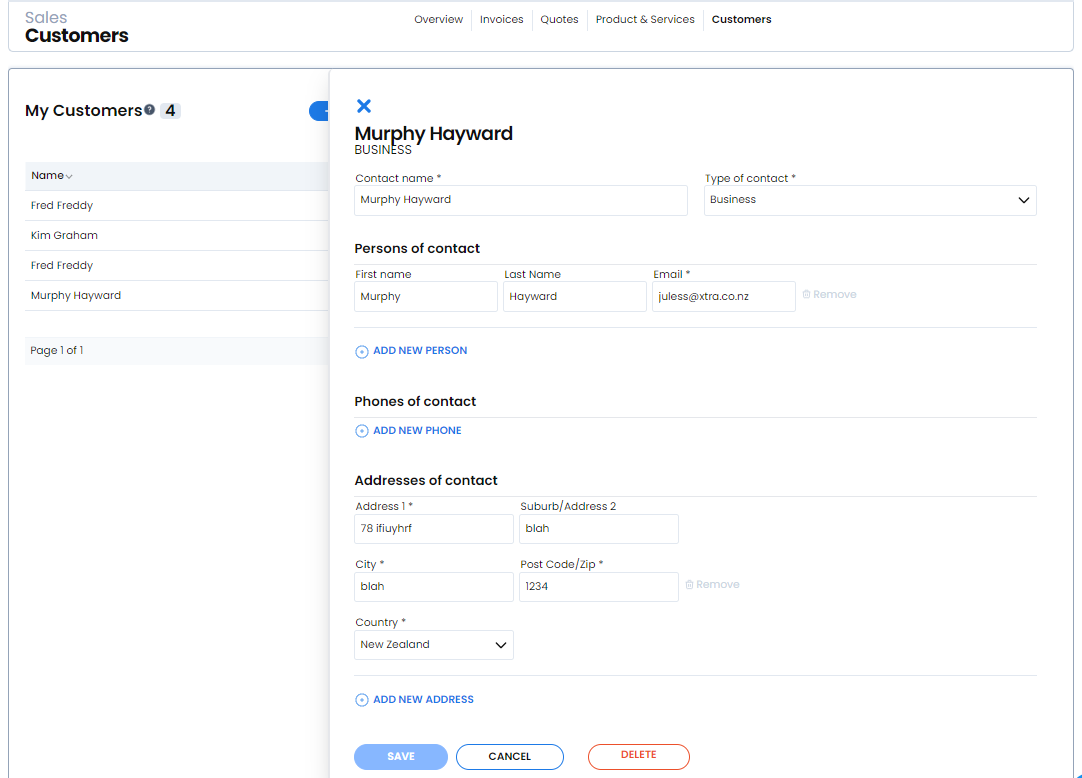
Your edited Information will now be save and shown.