Skip to content
English - Australia
  • There are no suggestions because the search field is empty.

How do I connect a Bank Account so I can import my transactions

To use the Money and Tax tool to the fullest, it is important to connect your Bank Account via Akahu. You can then import your bank account transactions into the Afirmo Money tool and match them to your invoices, expenses or assets. You can also manually add a category to identify what the transaction was for. The tax tool uses all this information to calculate up to date details on your Income Tax and GST (if you are registered) payments due.

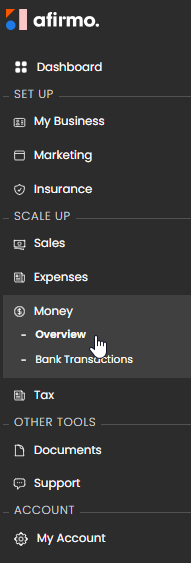
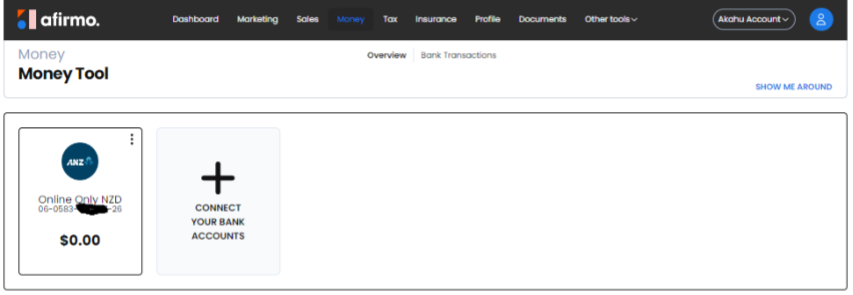
On the main menu, click on Money and then select Overview


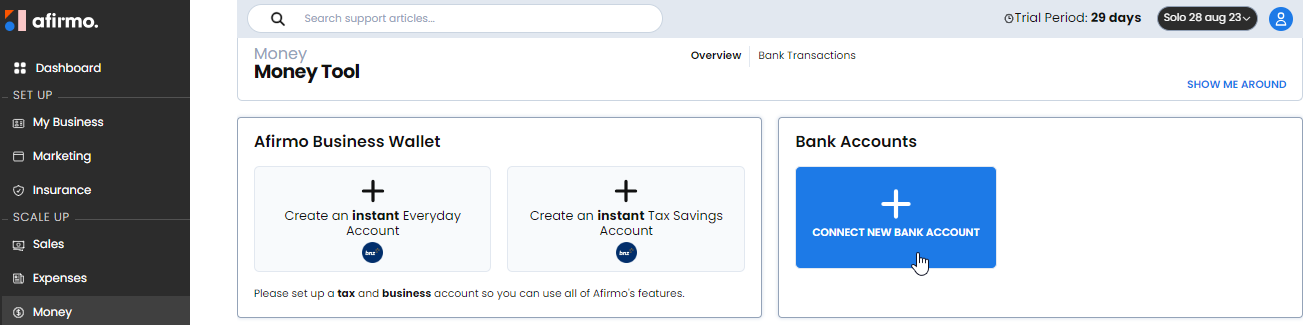
Click on CONNECT NEW BANK ACCOUNT


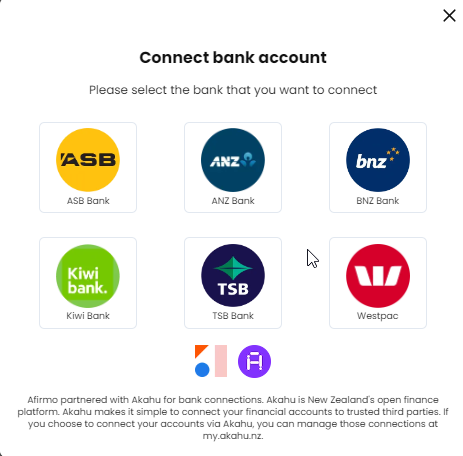
Select which Bank you have your bank account with


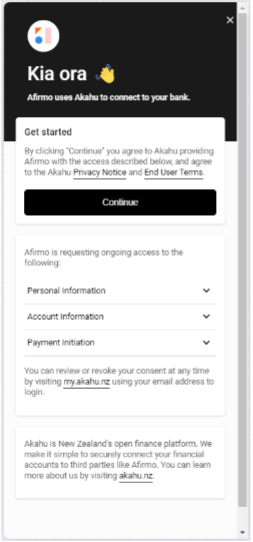
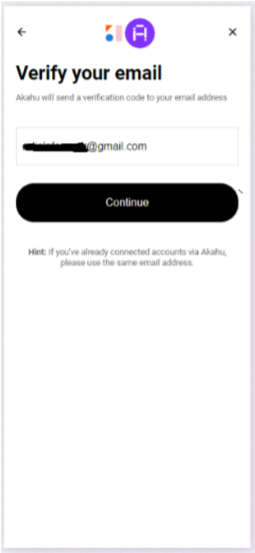
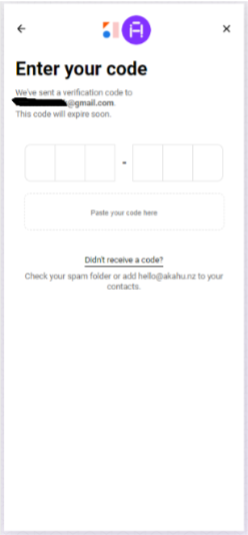
Follow the instructions to connect your bank account with Akahu to begin receiving transactions into the Money tool to help calculate your income tax and GST


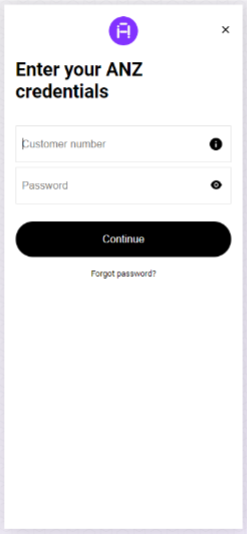
You will be asked to verify your login details

Enter your bank account Customer number and Password

NB You will be asked for an OnlineCode if you have 2factor authentication with your bank. You will also be asked to enter your PIN number for your online banking

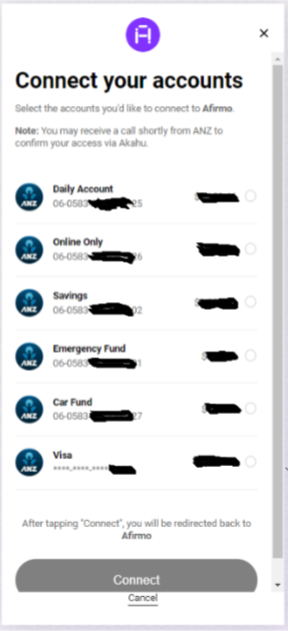
Select which bank account(s) you want to connect and import transactions into Afirmo


Once Akahu has successfully completed connecting to your bank account, you will be returned to Afirmo. The connected bank account(s) will show


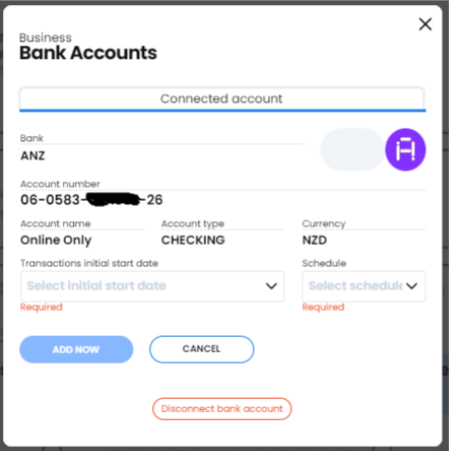
The final stage to start bringing transaction into Afirmo is to edit your bank account(s) and select the 'Transactions initial start date and Schedule

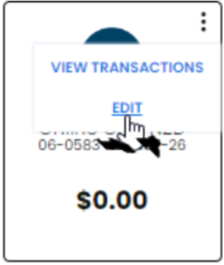
Click on the 3 dots in the top right corner of the bank account you want to edit. Select EDIT from the menu

Complete the two required fields 'Transactions initial start date and Schedule and click ADD NOW

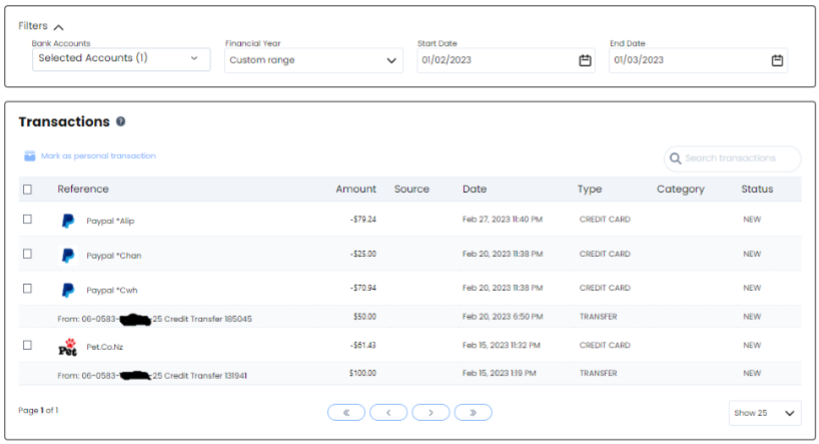
Use the 3 dots menu or the Bank Transactions

NB You can change the Filters on the Transaction table to see your older transactions (the default is one month).