Skip to content
English - Australia
  • There are no suggestions because the search field is empty.

How do I buy a Website Builder Plan?

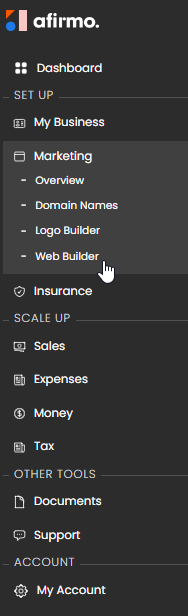
On the Main menu, click on Marketing and then select Web Builder


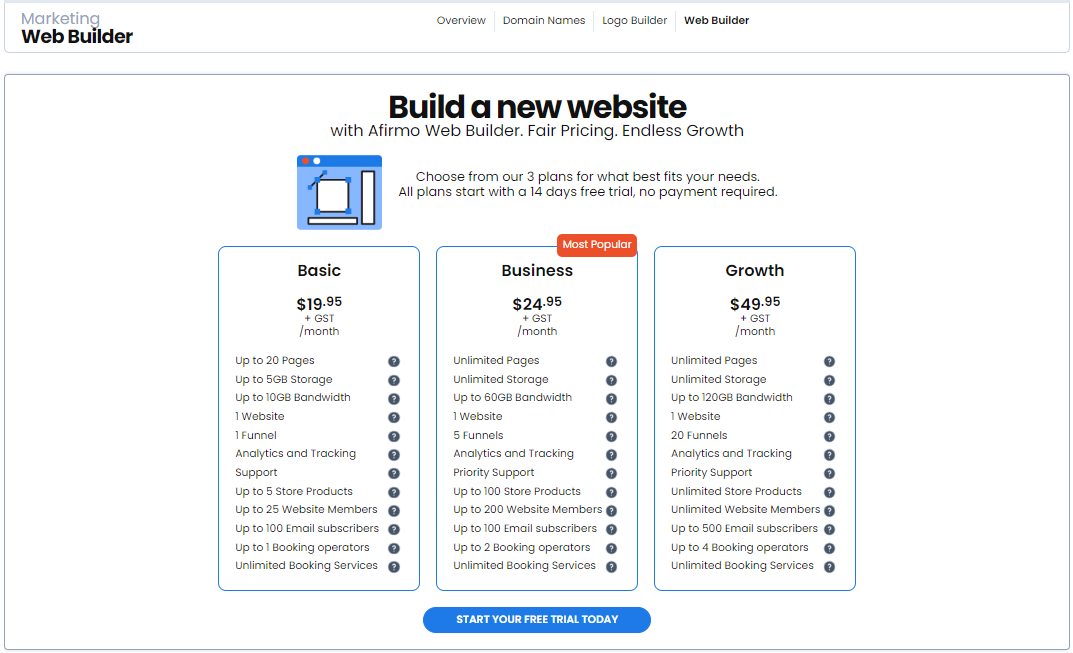
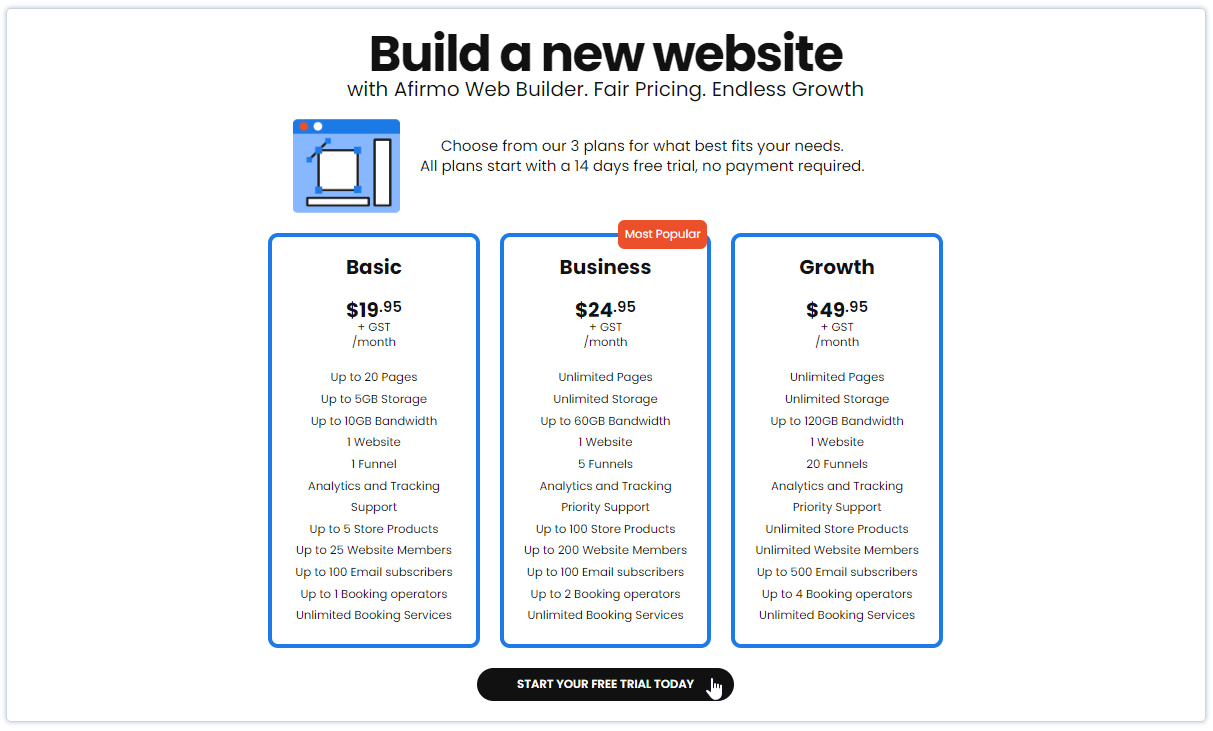
Click on START YOUR FREE TRIAL TODAY


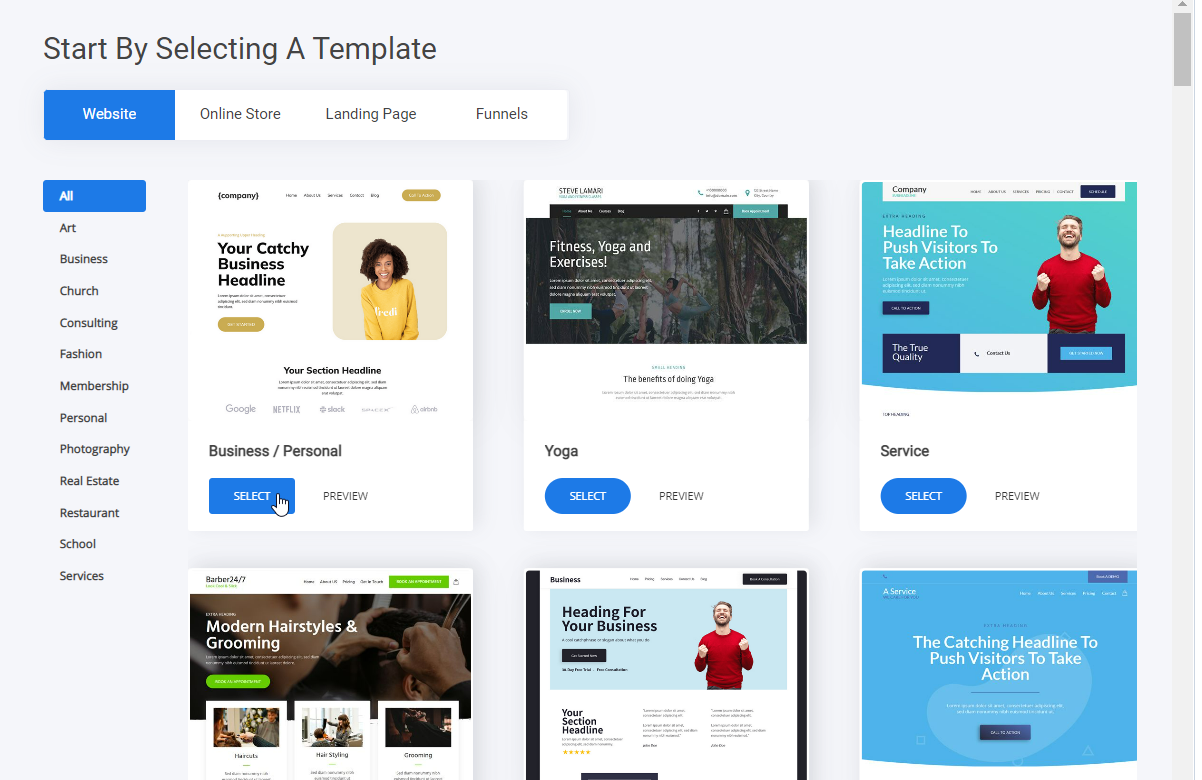
You are taken to the Start By Selecting A Template page. Click SELECT on a page template that you would like to use. In this example I have selected the first template.


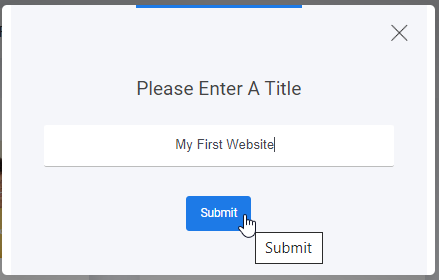
Enter a title of your website the click Submit


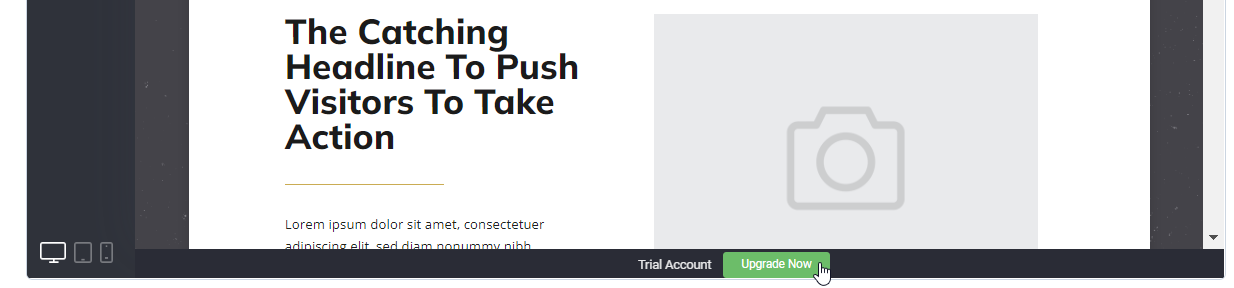
You will now be taken into Web Builder. Scroll down and click on the Upgrade Now button


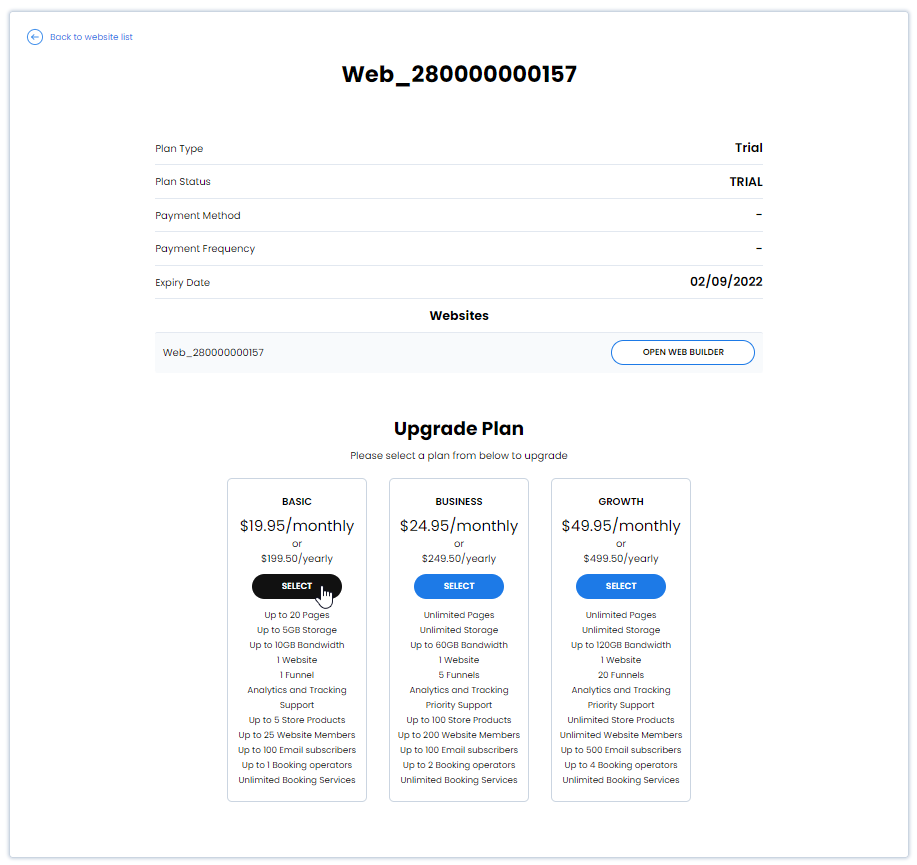
Choose a plan that suits your needs most and click SELECT


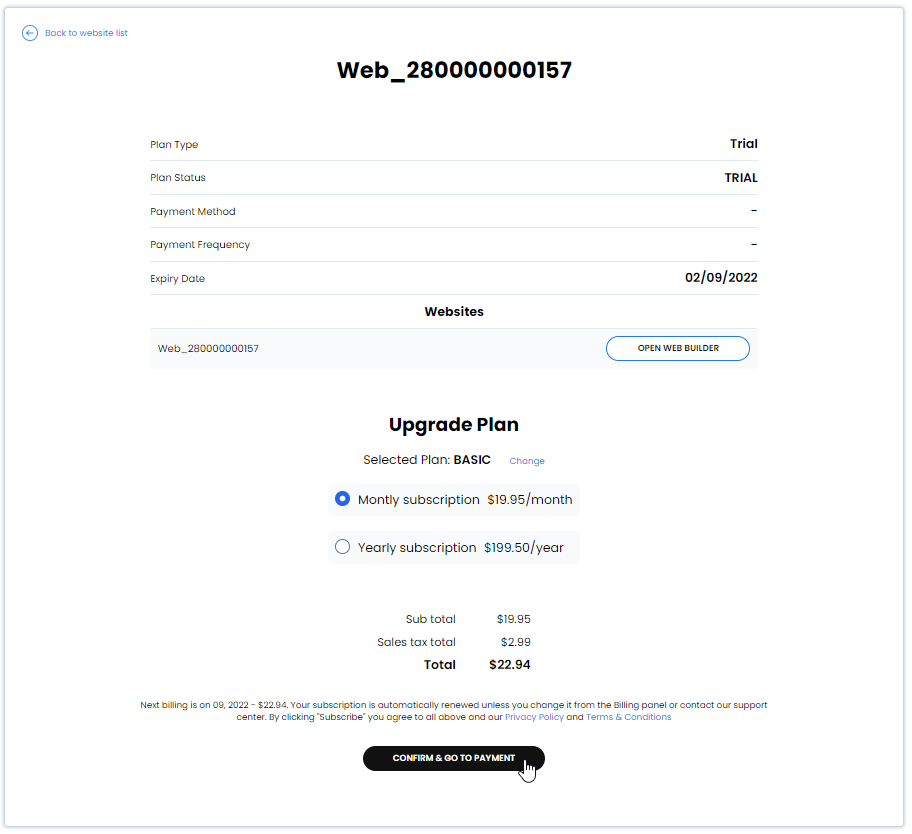
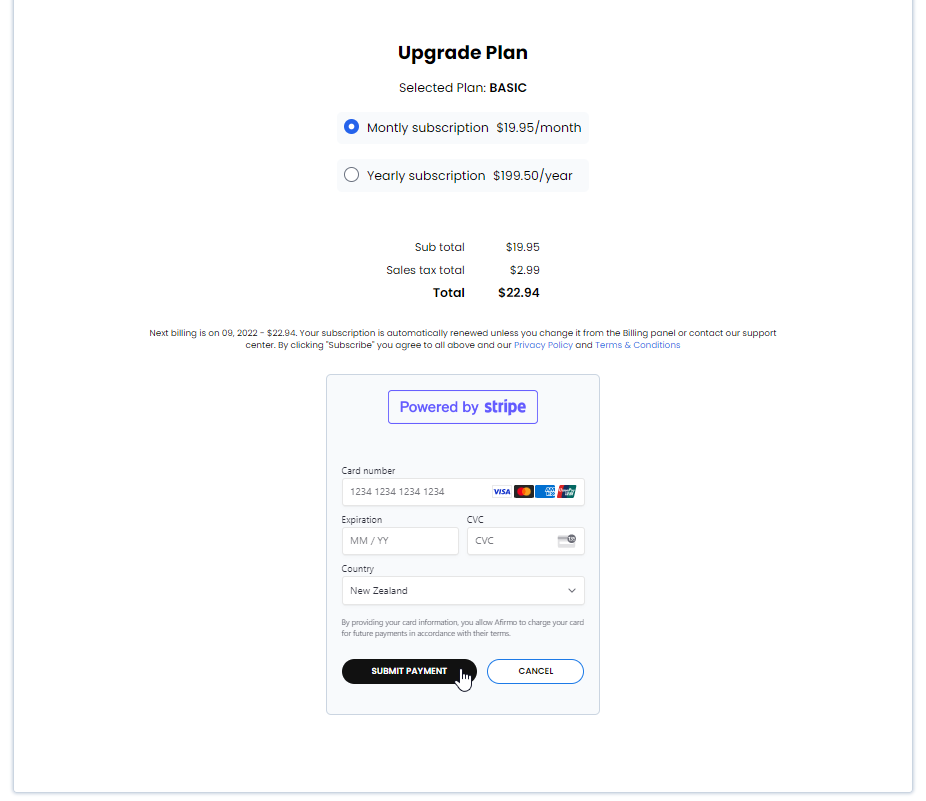
Choose between Monthly or Yearly subscription. Click on CONFIRM & GO TO PAYMENT


Fill in your Card details and click SUBMIT PAYMENT

Congratulations you have successfully purchased a Website Builder