
On the main menu, click My Business and then select Business Profile
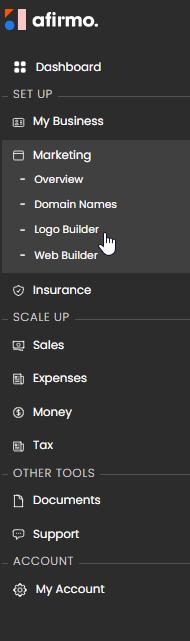
The Build your Logo option will appear.
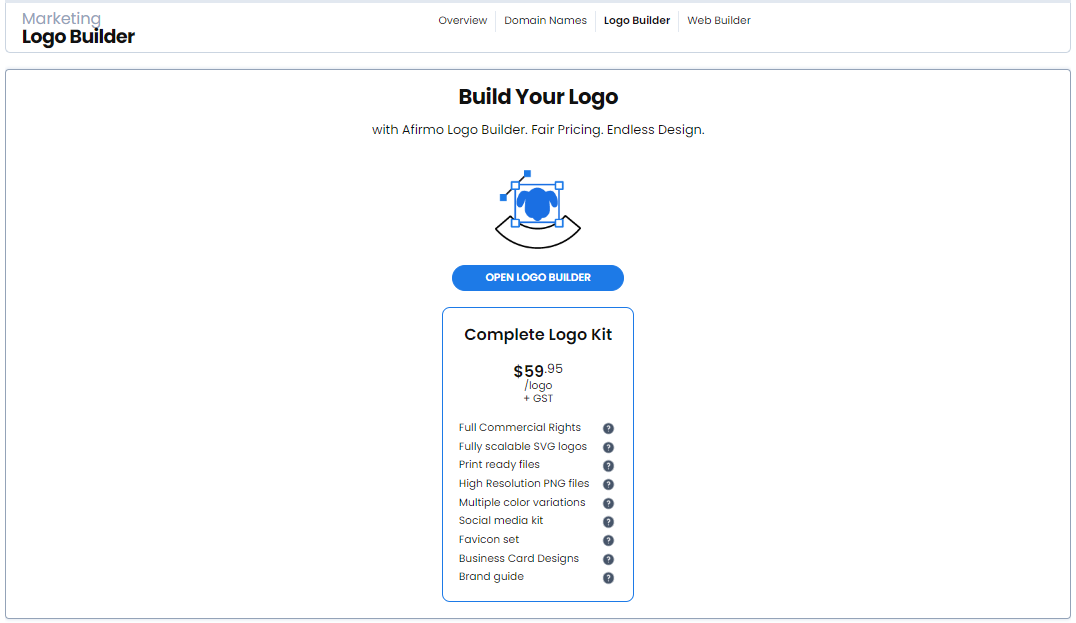
Click on OPEN LOGO BUILDER which then takes you through to the Logo builder
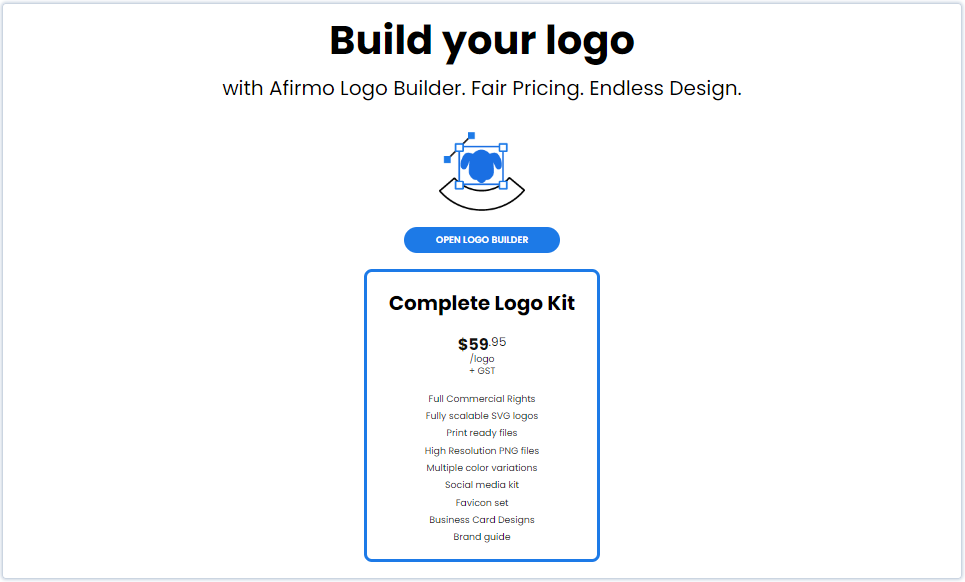
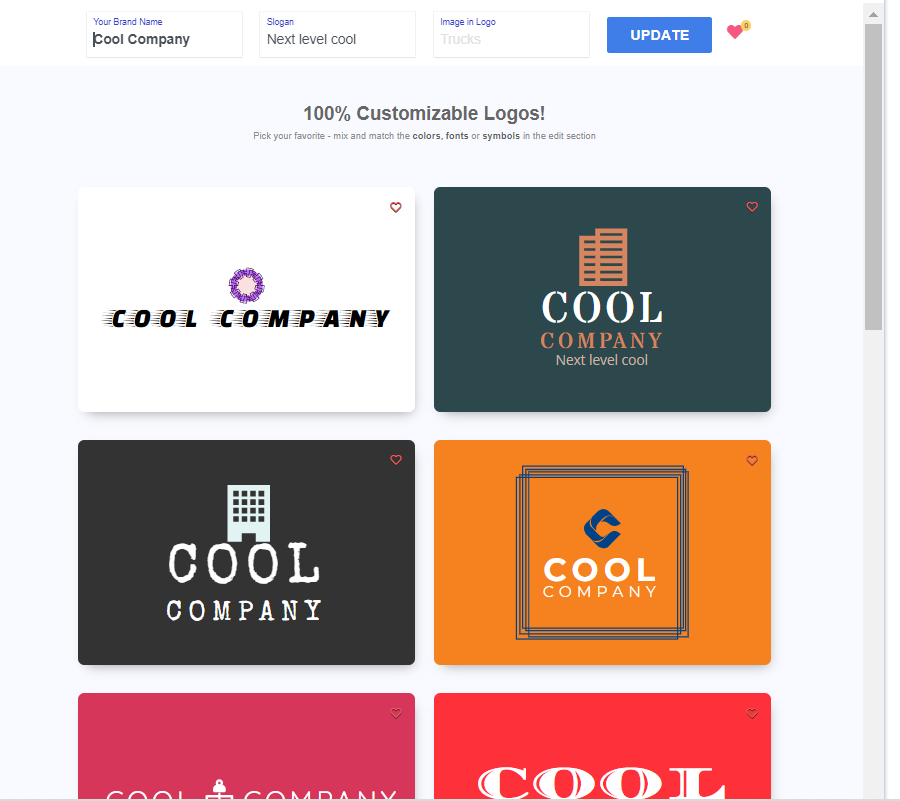
Type your company name into the box that says Brand Name
If you have a company slogan, enter it in the Slogan box
Click on the GENERATE button when you are ready
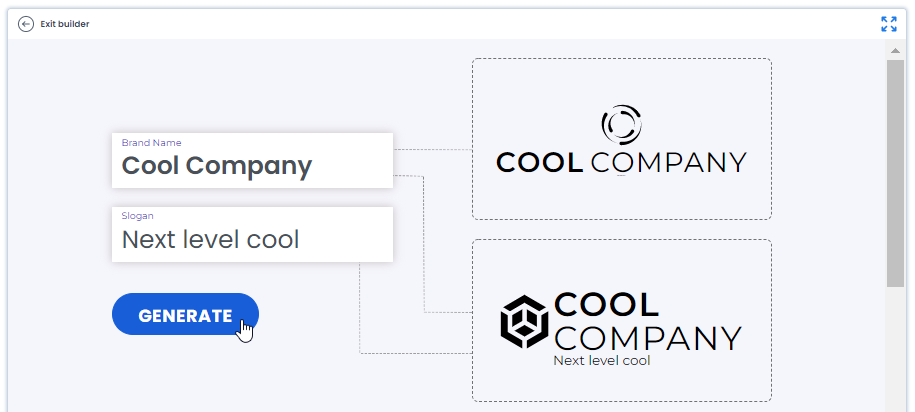
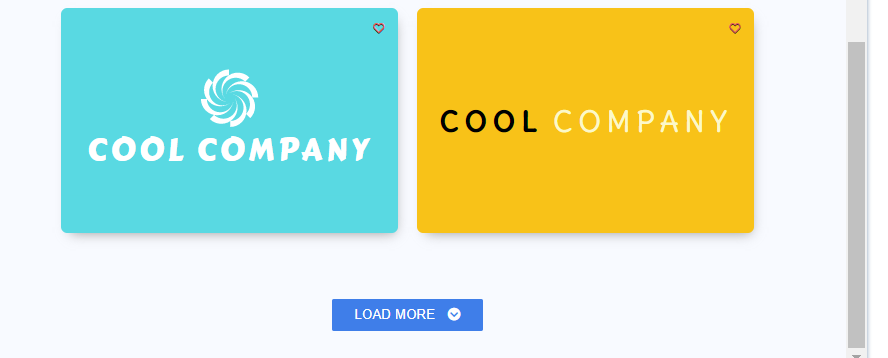
A list of examples for you to view will show on the screen. You can scroll down and click the Load More button to see more examples
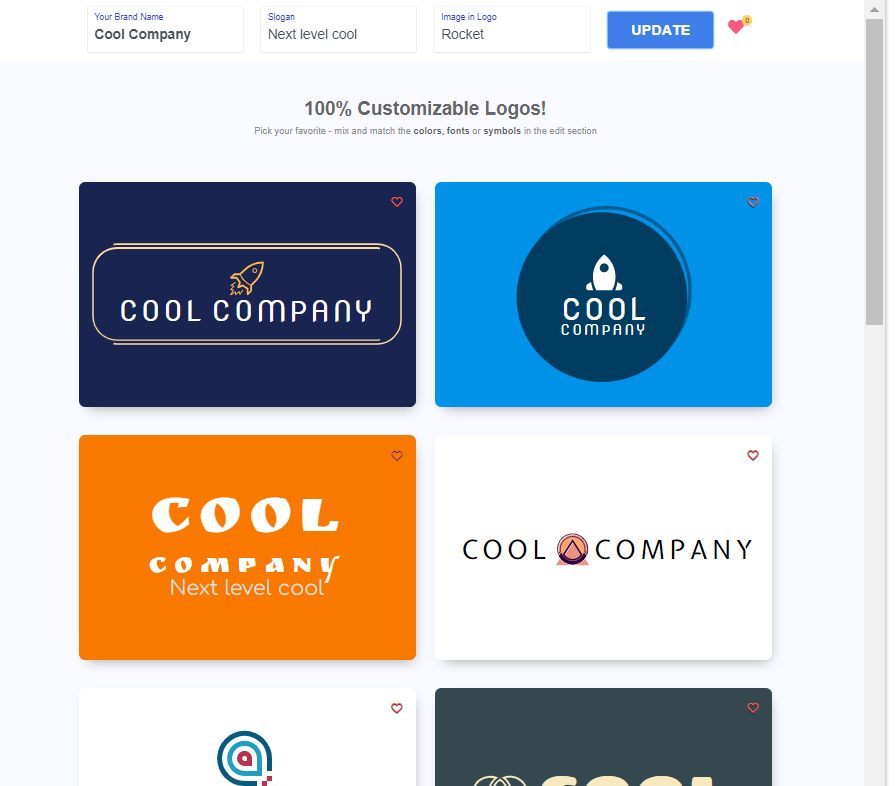
You can also add an image to your logo by entering a description in the Image in Logo box

If you add an imagine, click on the Update button to change the current examples

You can shortlist a few examples OR you can simply select one and click on the EDIT & REVIEW option
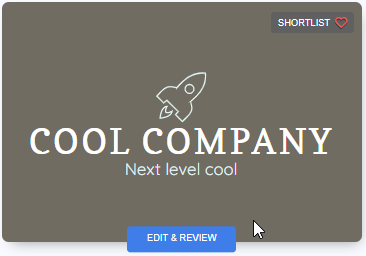
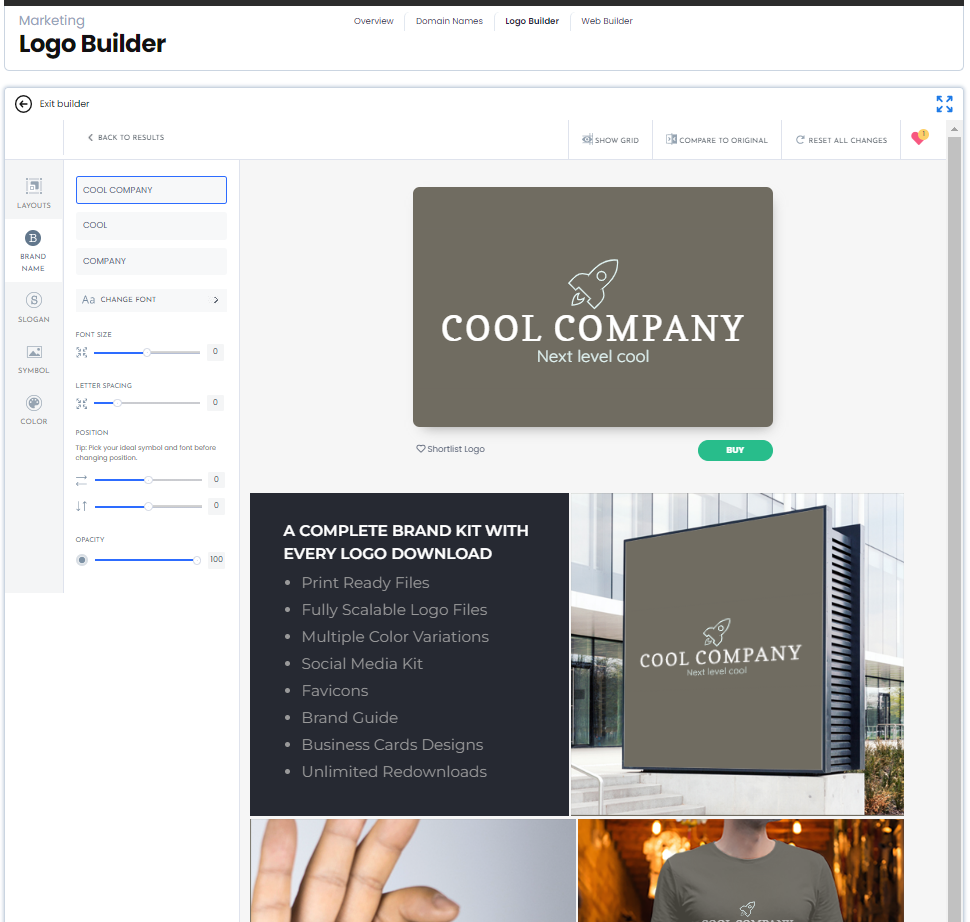
You can edit each component of the logo until you have a finished product you like As you change each component, the logo will update to show the new look
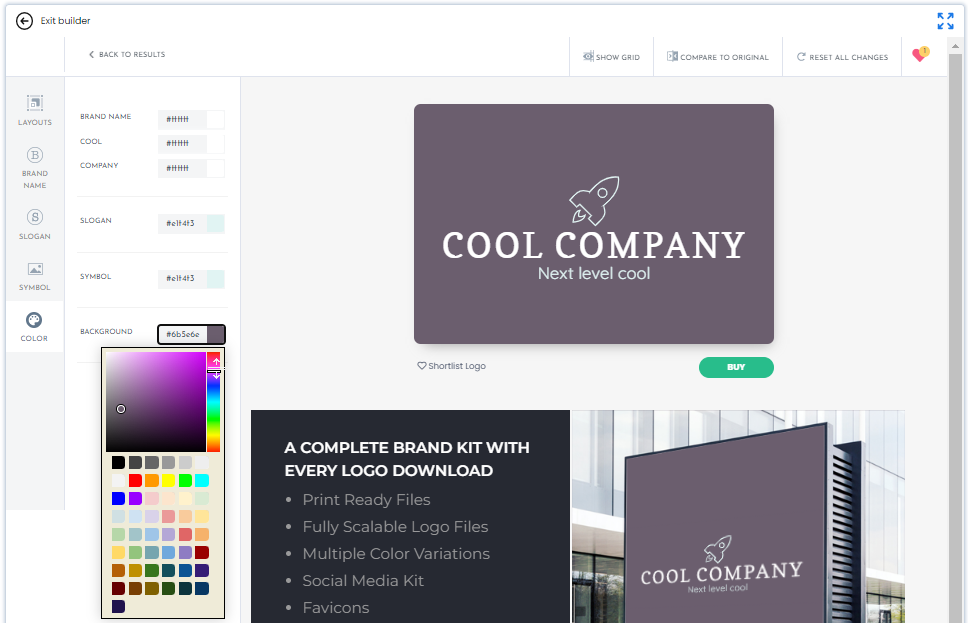
NB There is no obligation to buy the logo at this stage
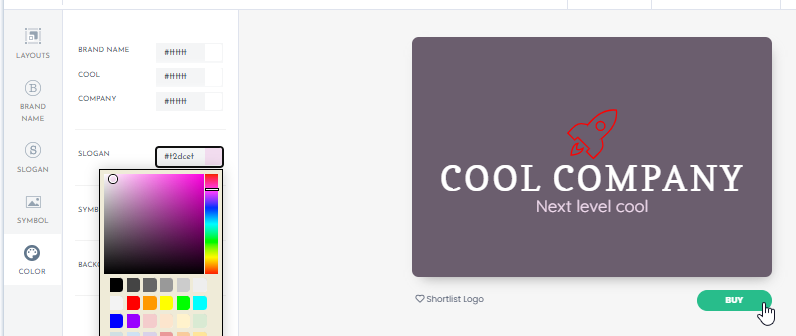
When you are satisfied with your changes, click the BUY button
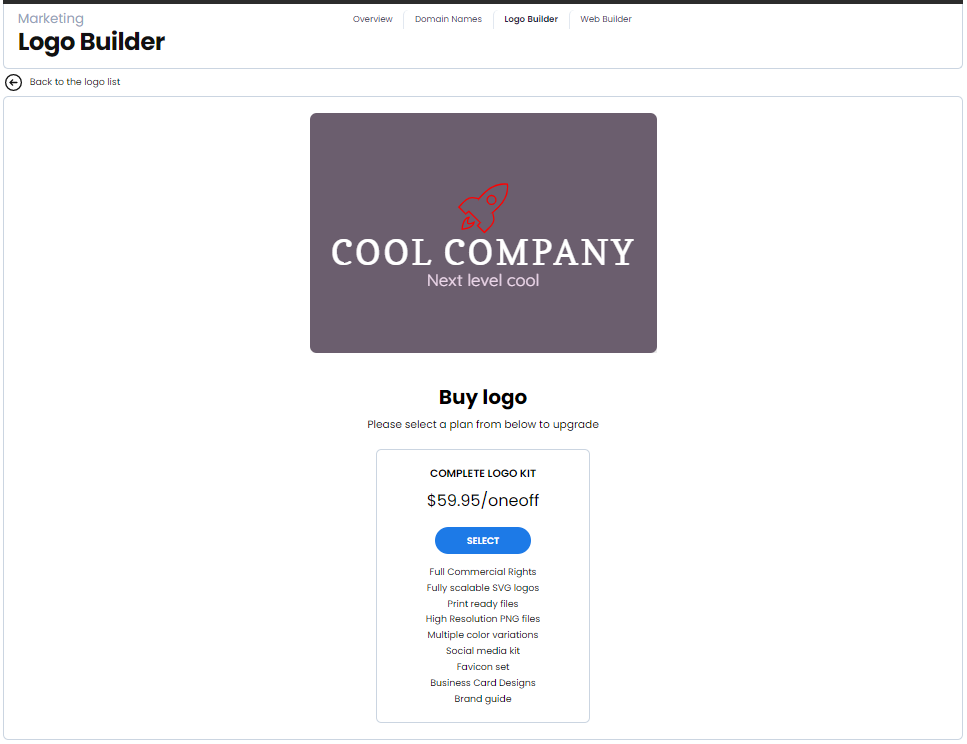
Click the Select button if you are happy to proceed to the payment stage
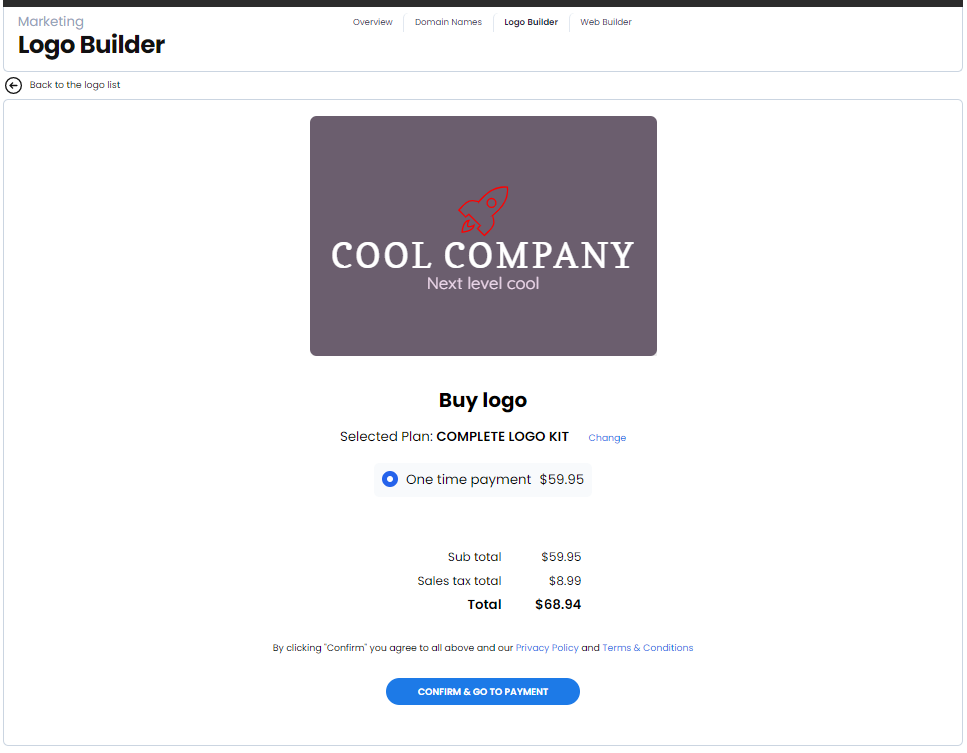
Click Confirm & go to Payment button when you are ready to pay
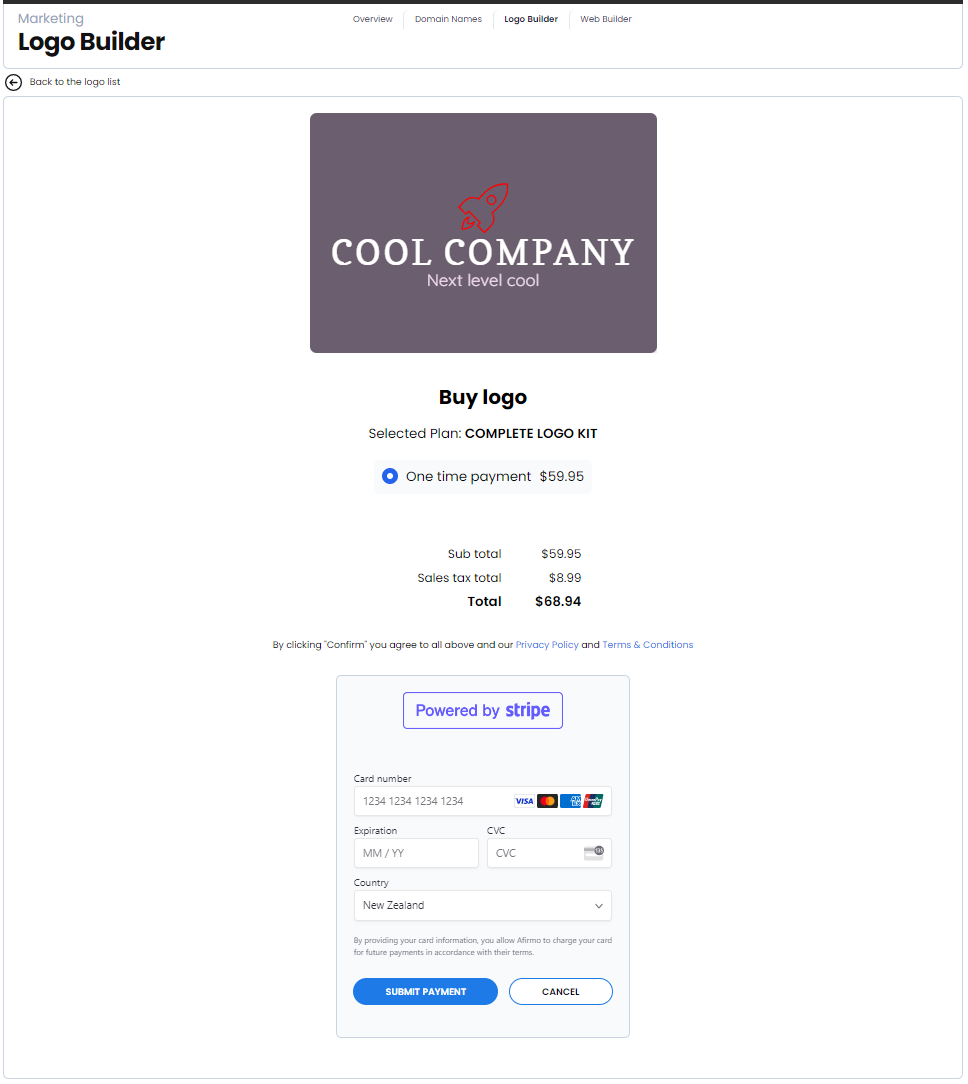
Enter your credit card details and click Submit Payment
The files will show in zipped format for you to download.