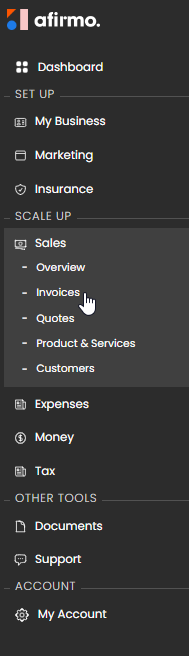
1. Go to Sales > Invoices.
2. Select + invoice.
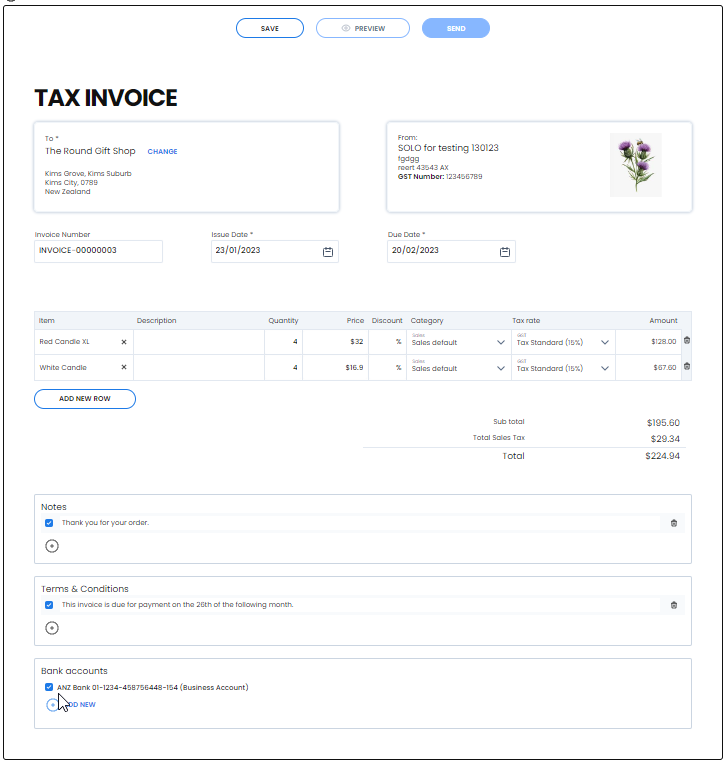
3. In To, search for and select the customer.
4. Check the issue date and due date.
5. Add a purchase order number if the customer supplied one.
6. Add the products or services being billed.
7. Check each description, quantity, price, discount, category and tax rate.
8. Check the currency and whether the line prices include GST.
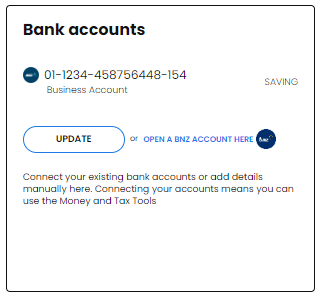
9. Add notes, terms and bank-account details where needed.
10. Select Save.
The invoice screen is headed TAX INVOICE and begins with a NEW status. The invoice number is generated by the app but can be reviewed before saving.
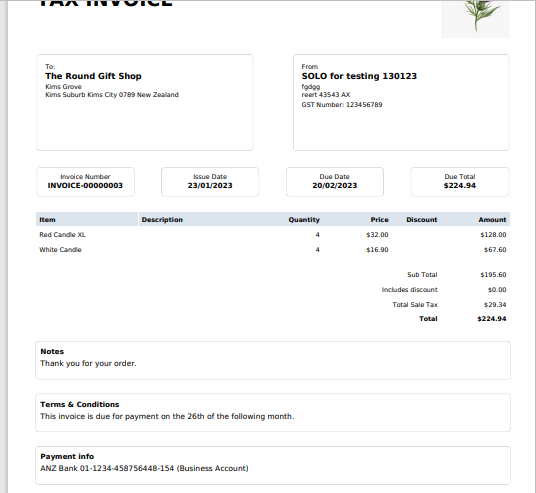
Use View/download to check the saved invoice. When it is ready to go to the customer, select Send & Submit and carefully review the next prompt before confirming.