
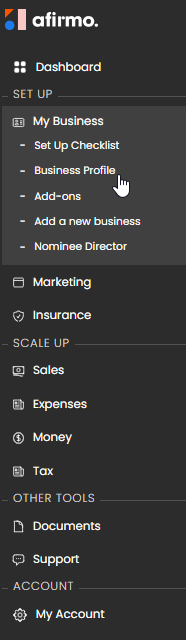
In the Main menu, click on My Business and then select Business Profile
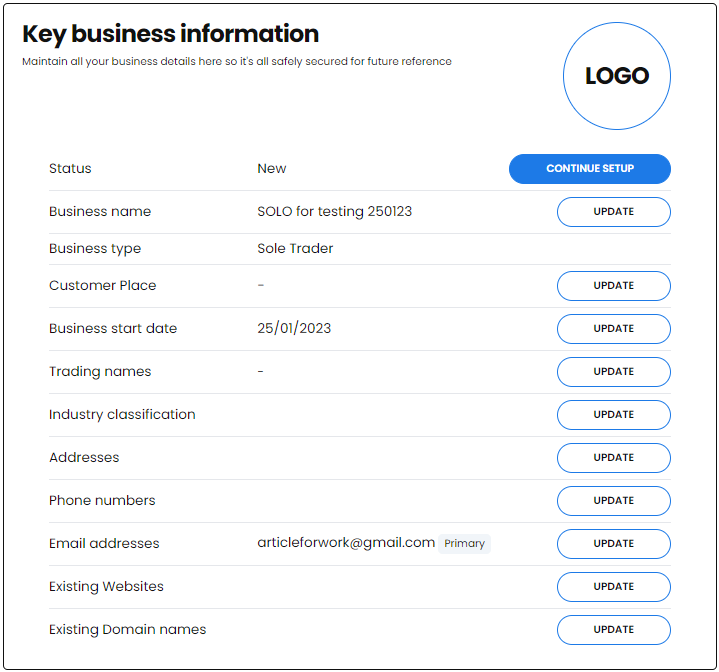
The Key Business information page opens. Click on UPDATE next to Addresses
Click the SAVE button once you are finished.
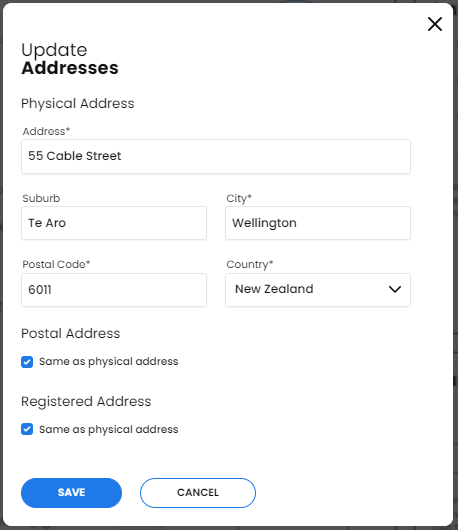
If your Postal and Registered Address is the same as your physical address, just leave the boxes ticked to use the same as physical address
If the address is different, untick the box and manually enter the correct address Physical Address is the address of where your physical business is operating
Postal Address is an address which can be used as an alternative for the purpose of receiving post
Registered Address In most cases, the registered office address is the address where your company's records, including your share register, are kept.
NB. A company must have all three addresses NB. All three addresses can be the same location