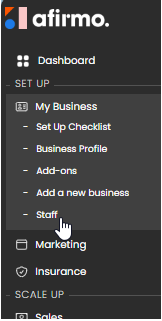
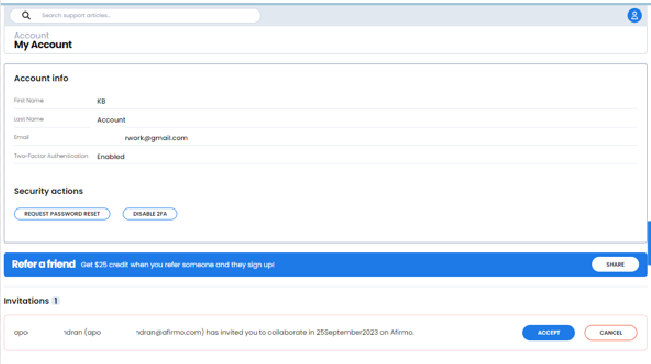
1. Open the account or profile menu.
2. Go to Account > Users.
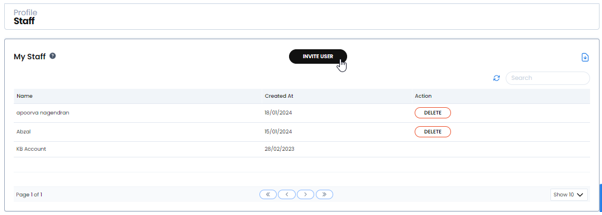
3. Select Invite user.
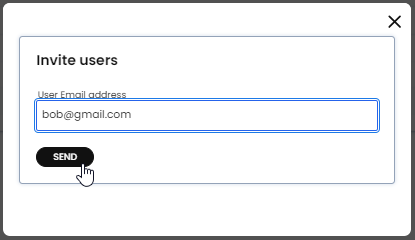
4. Enter the person's first name, last name and email address.
5. Select the available role.
6. Send the invitation.
The current invitation form offers the Admin role. Only invite someone who should have administrative access to the Afirmo account and its business information.
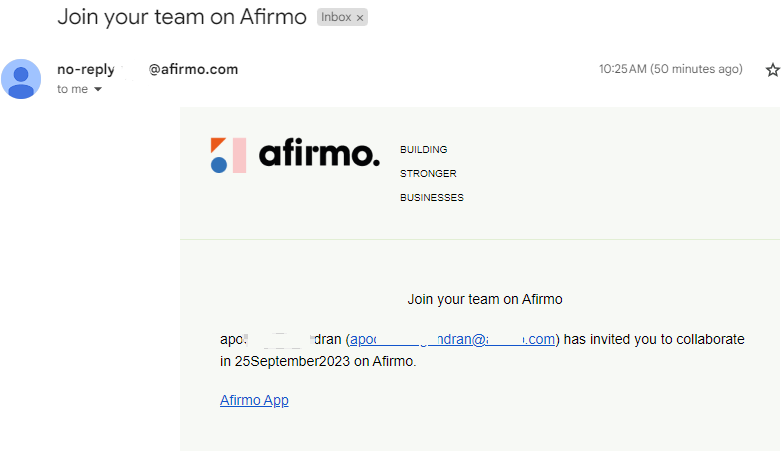
Do not share your own password or verification code. Each invited user should sign in using their own account.