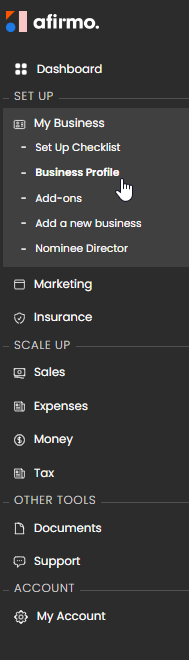
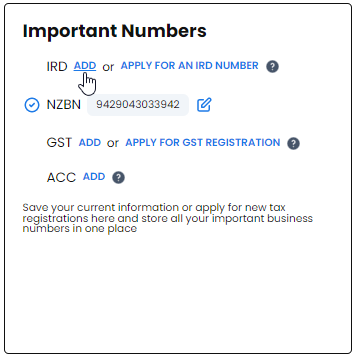
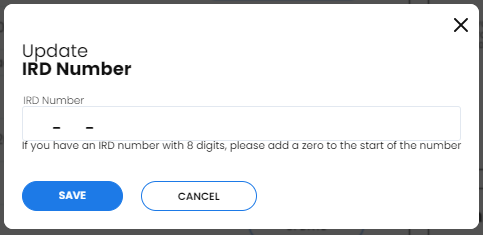
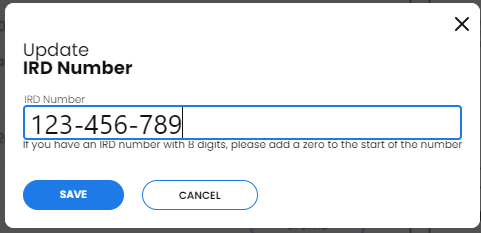
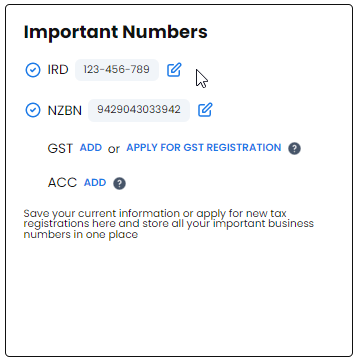
Open the current tax or business-profile area in Afirmo, select the correct person or entity, and enter the IRD number requested by the screen. Check every digit before saving.
An individual's IRD number must not be entered as the company's or partnership's IRD number. Afirmo may require identity verification or supporting information before it can use the number for tax-agency services.