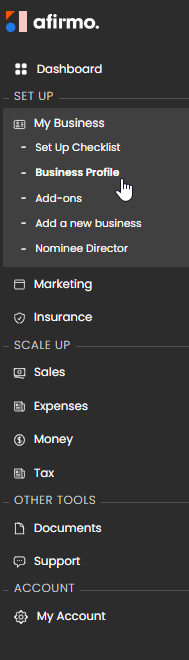
In the Main menu, click on My Business and then select Business Profile
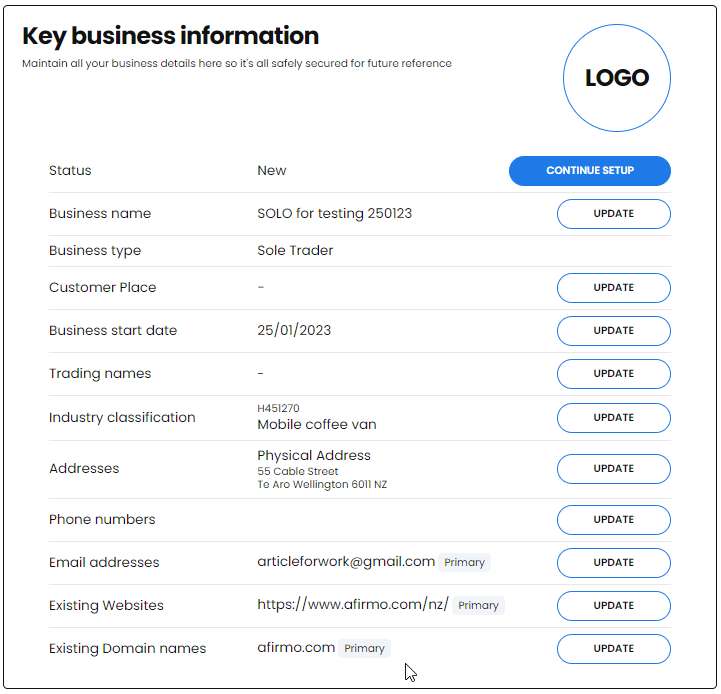
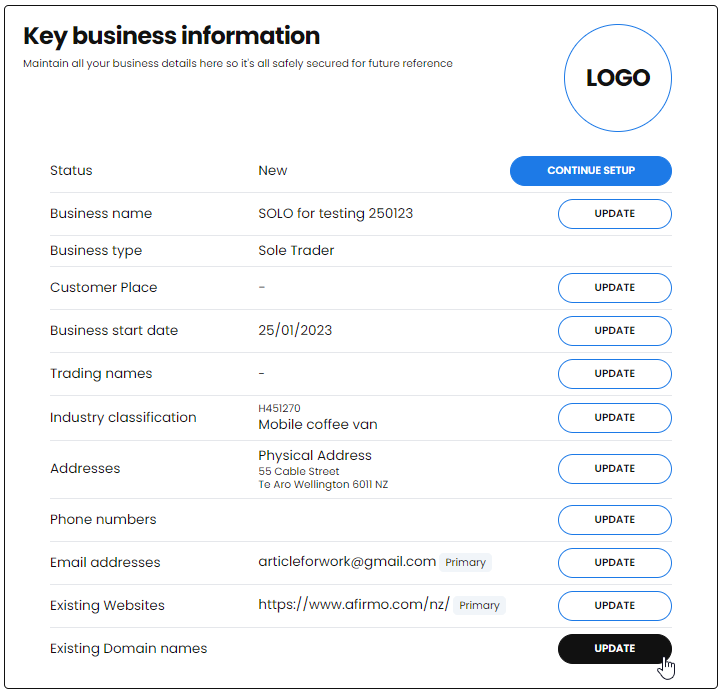
The Key business information will show. Click on UPDATE next to Existing Domain Names
Add the Domain name and Expiry date for each domain name you own
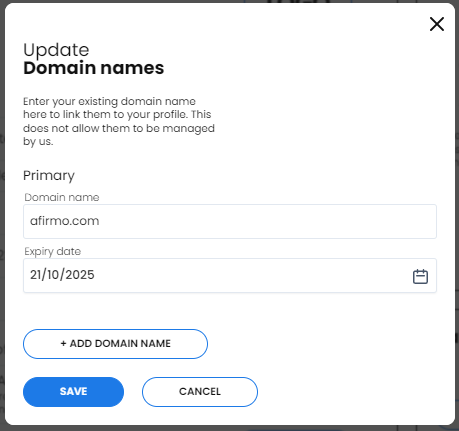
NB You can add additional domain names by clicking the +ADD DOMAIN NAME button
Click the SAVE button when you are finished. Your Existing Domain name is now added