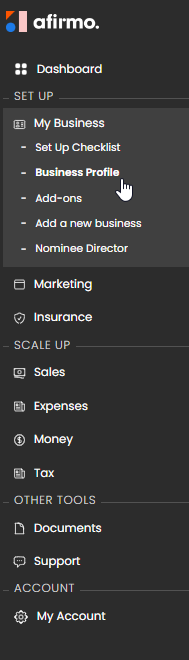
In the Main menu, click on My Business and then select Business Profile
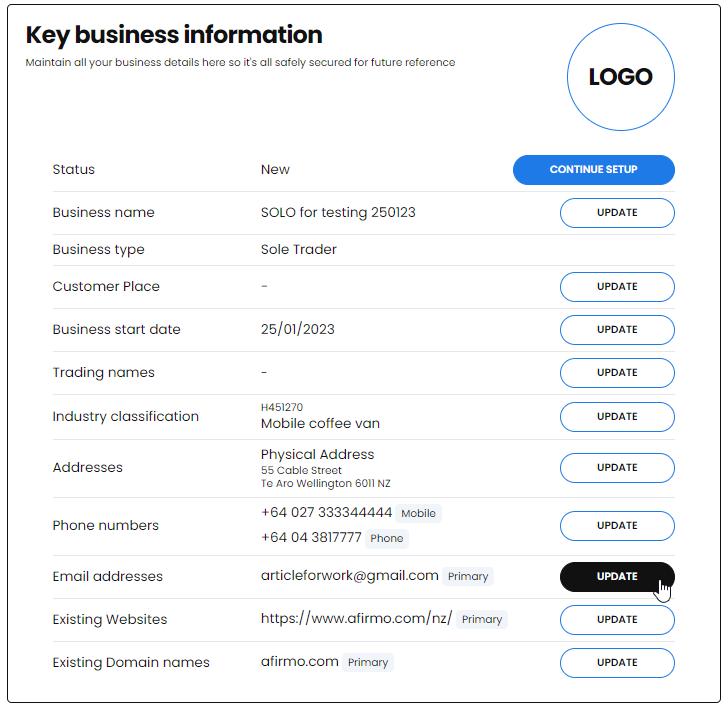
The Key business information box will show. Click on the UPDATE button next to Email addresses
Click on the Add email address button
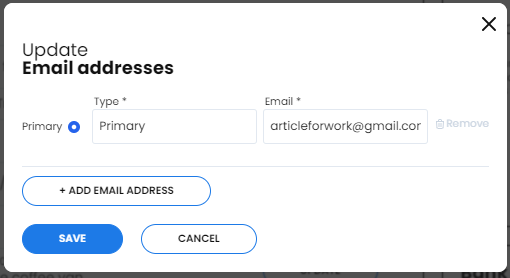
The Type* field is free text. Add the best description of what the additional email address is for.
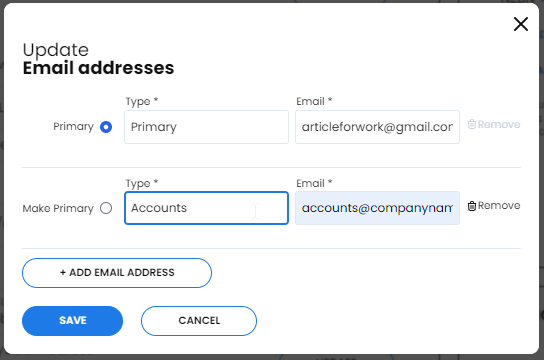
NB Only one email address can be marked as Primary. This is your most important or main email address for your business.
Add your email address with a description of what it is for and click Save now
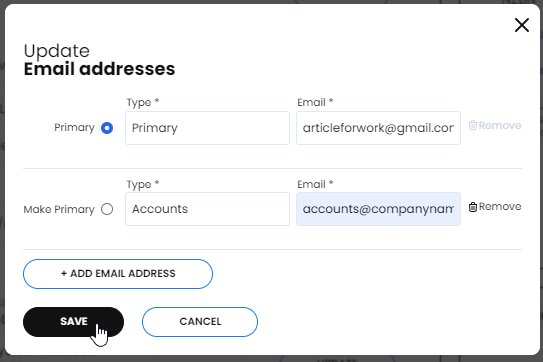
NB You can add additional emails by clicking again on the +Add email addresses
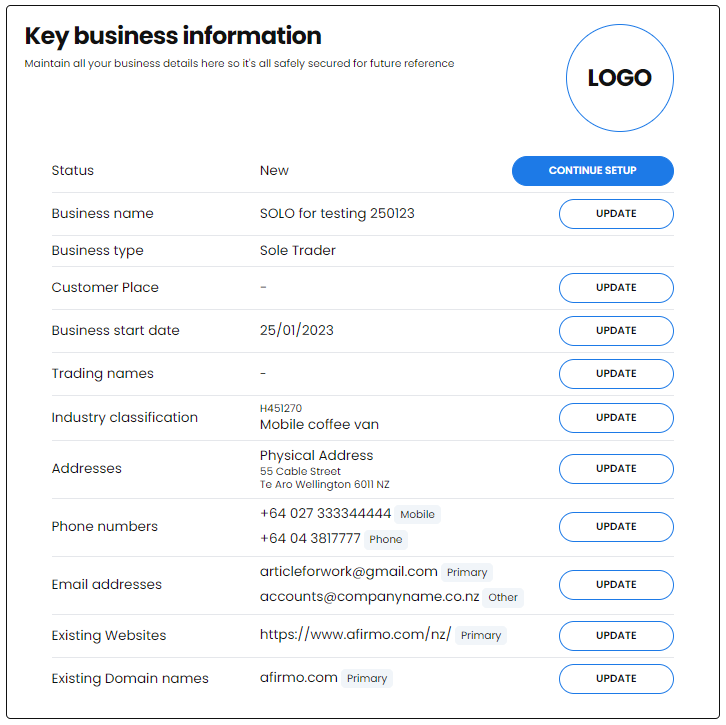
Your email addresses will now show in the Email addresses box