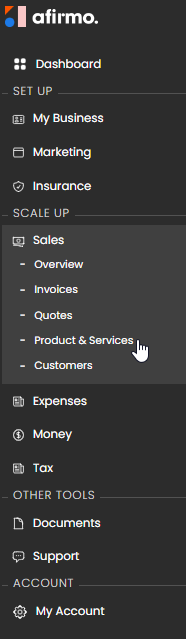
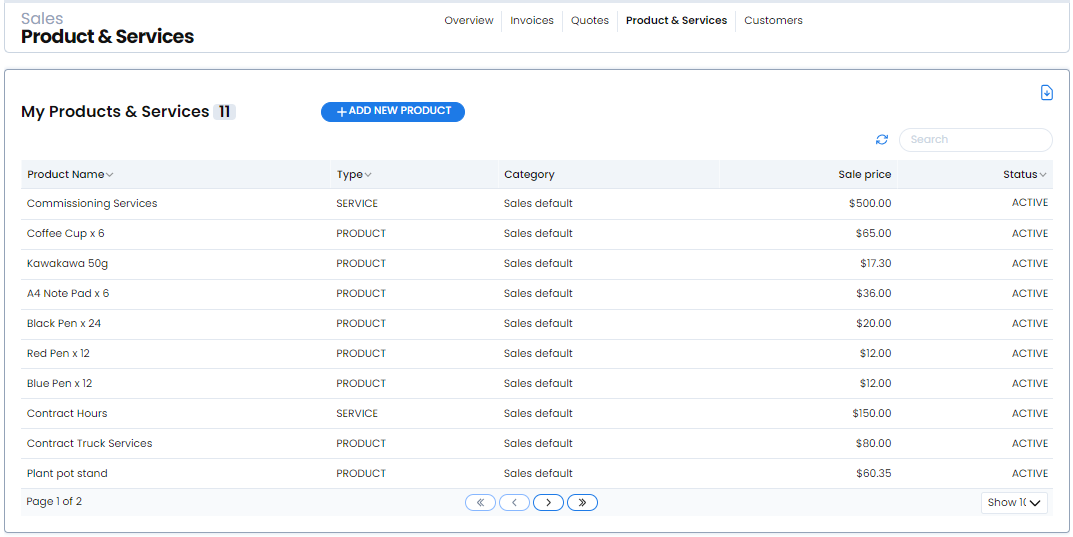
1. Go to Sales > Product & Services.
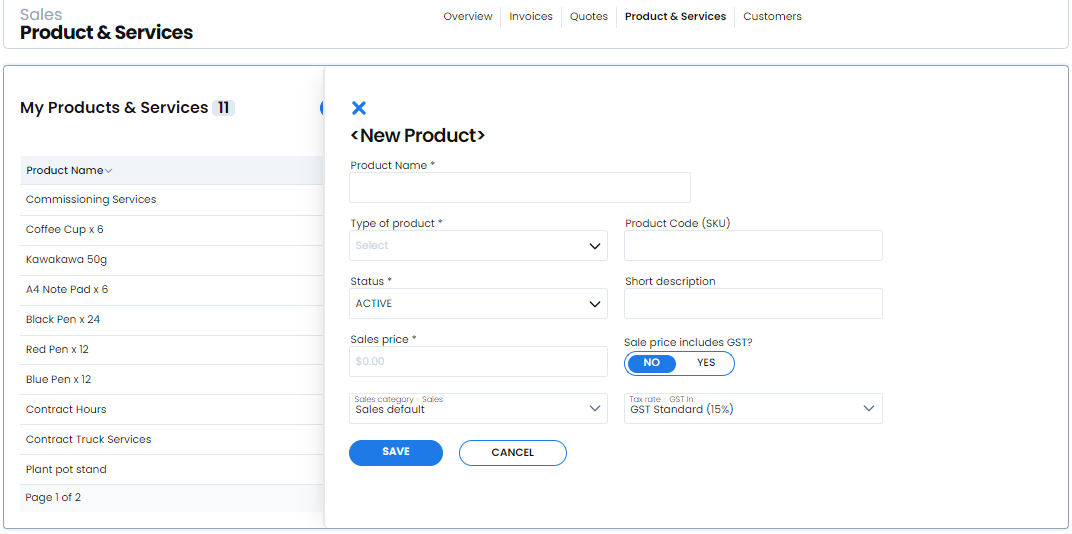
2. Select new product.
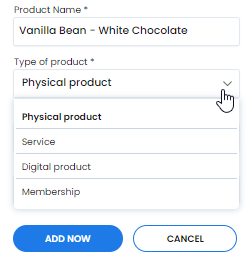
3. Enter the required Product Name.
4. Choose the required Type of product.
5. Enter the required Sales price.
6. Check the status. The current default is ACTIVE.
7. Check the currency, whether the sale price includes GST, the sales category and the tax rate.
8. Add a product code and short description if useful.
9. Select Save.
The current defaults are NZD, Sales and GST Standard (15%). Check that these settings are correct for the item before saving.