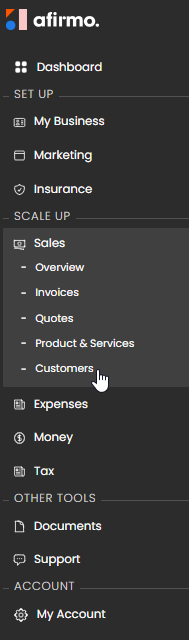
1. Go to Sales > Customers.
2. Select new customer.
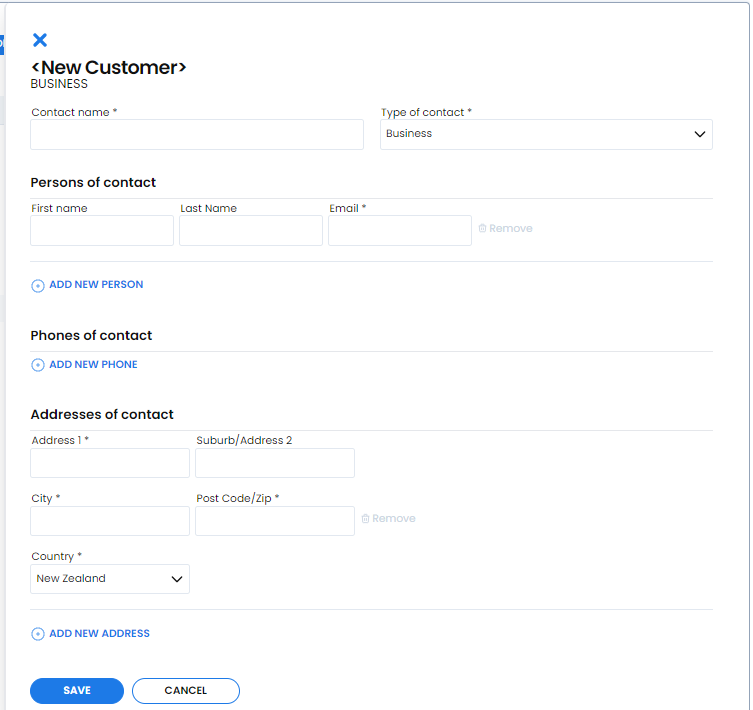
3. Enter the required Contact name.
4. Choose the required Type of contact. The form currently defaults to Business.
5. Enter the required Email address.
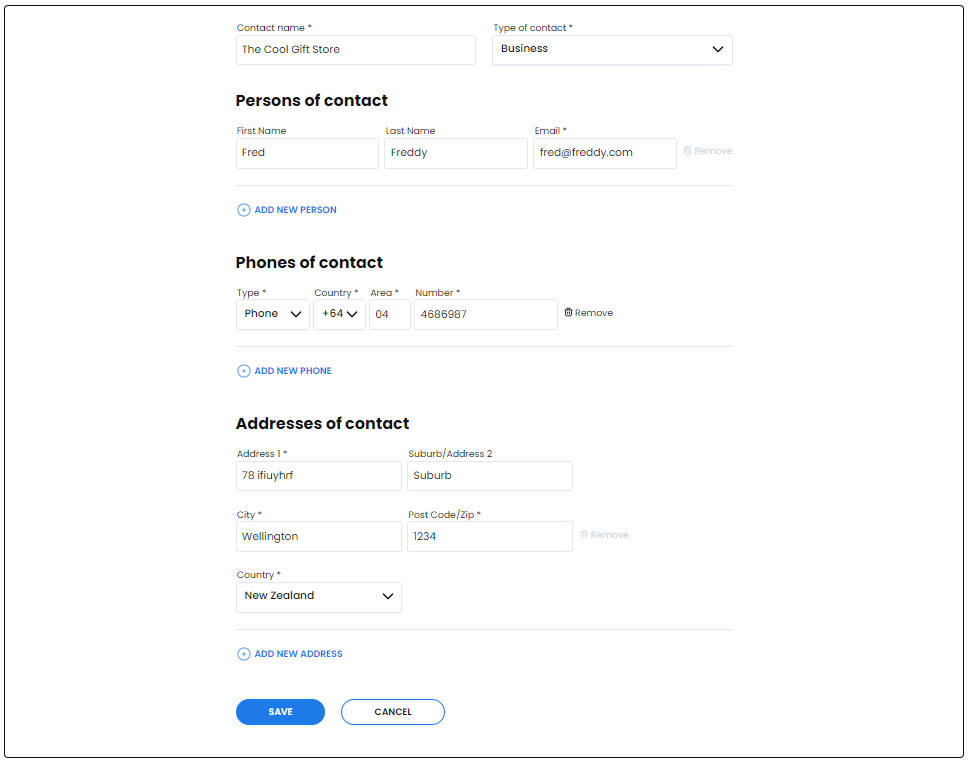
6. Add any useful tax number, contact person, phone number and address details.
7. Select Save.
The optional contact fields include first name, last name, phone numbers, address lines, city, postcode and country. New Zealand is the current default country.
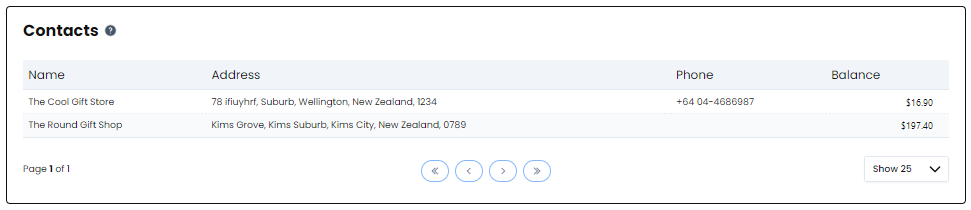
Once saved, the customer is available for selection when you create sales documents.