
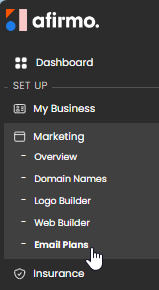
On the Main menu, click on Marketing and then select Email Plans
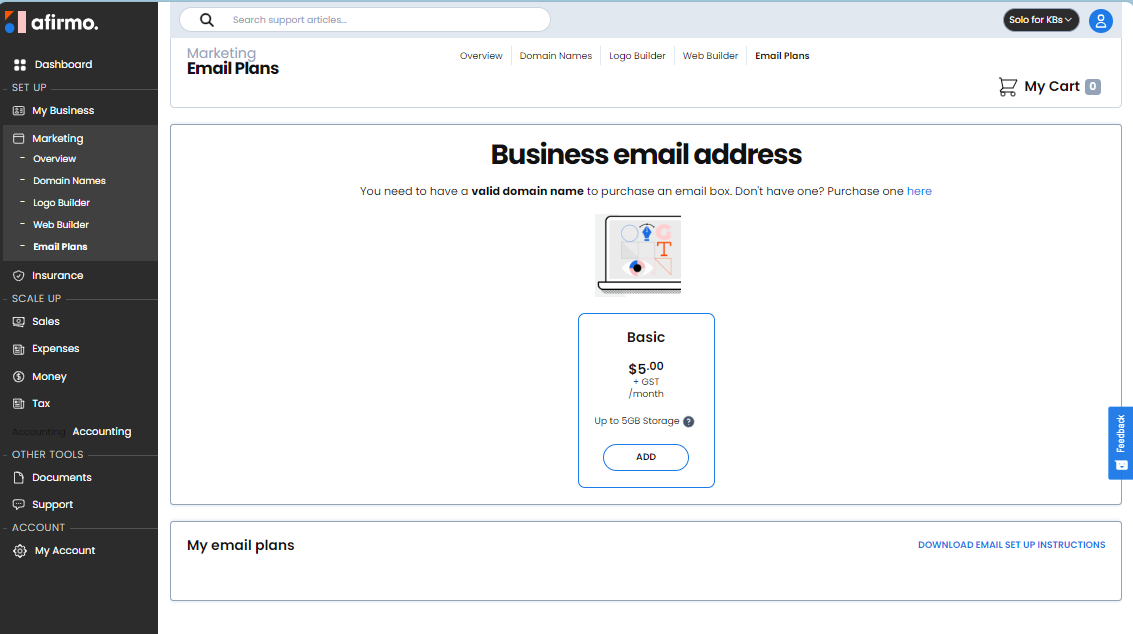
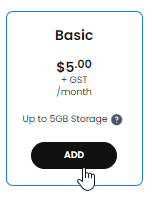
In the Business email address window, click on the Add button on the plan
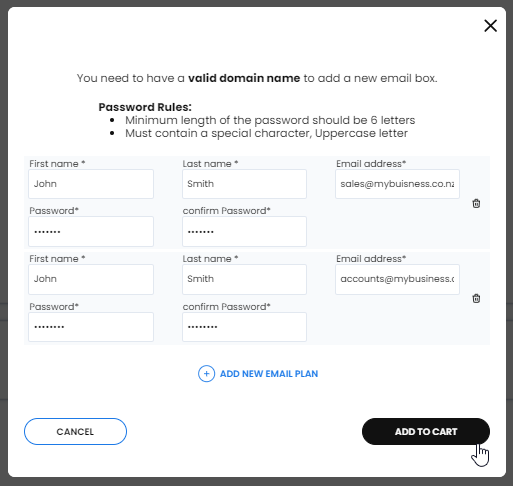
Complete all the required fields
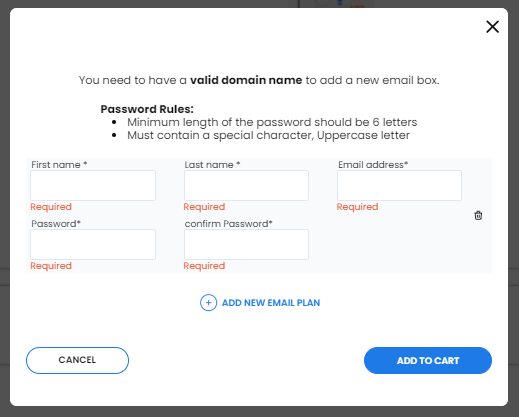
NB You must own a domain name to create a business email address NB You can add as many business emails as you need
Click ADD TO CART when you have finished adding all your email addresses
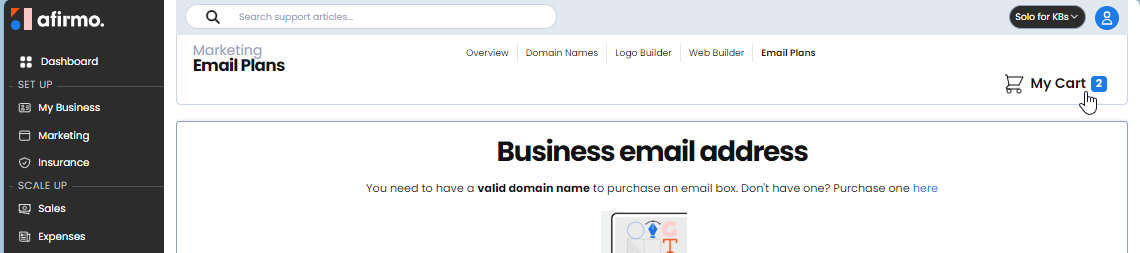
In the top right, click on My Cart
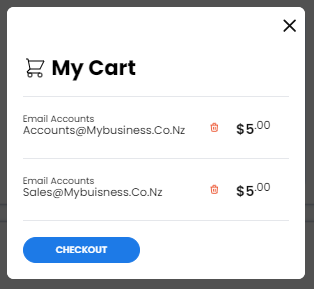
Click on CHECKOUT
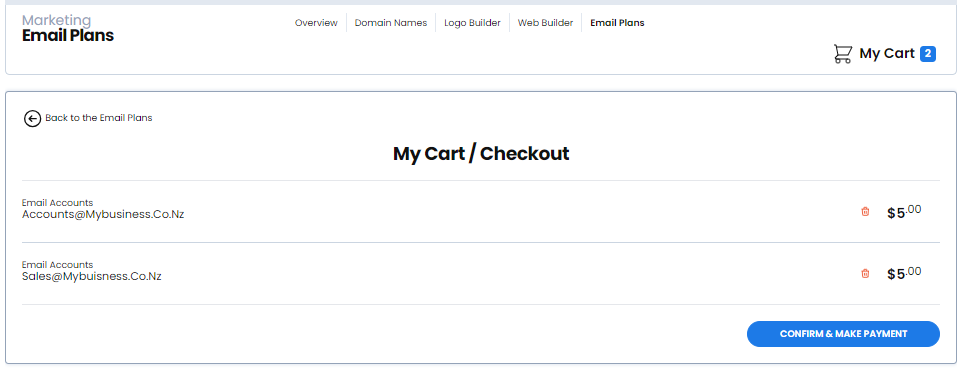
Click on CONFIRM & MAKE PAYMENT
Click on SUBMIT PAYMENT
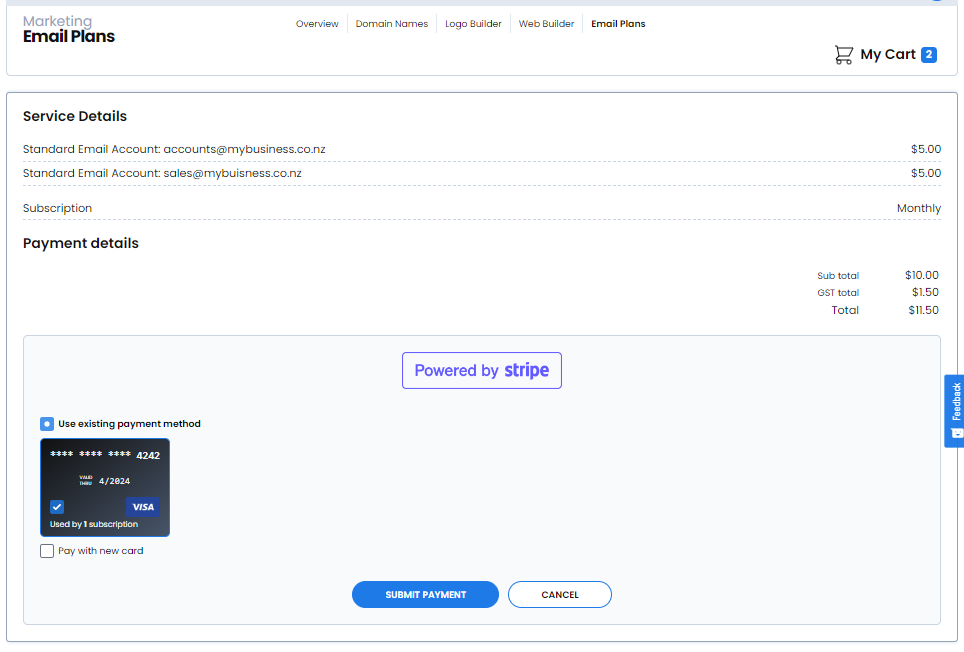
NB If you want to pay with a different credit card, tick the box Pay with new card
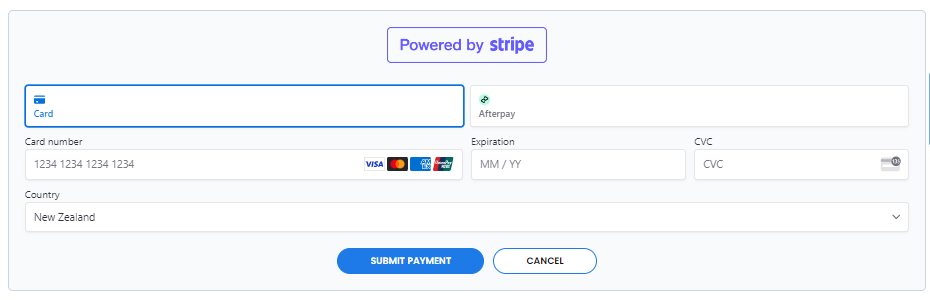
If you have no Credit Card stored, you will see this screen
Once you have paid for you email addresses, you will see this screen

NB Please click on DOWNLOAD INSTRUCTIONS to download a pdf document with important details to help you get your email address working.