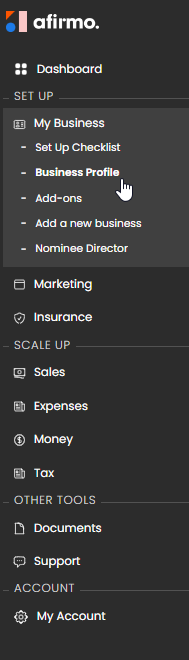
In the main menu, click on the My Business and then select Business Profile
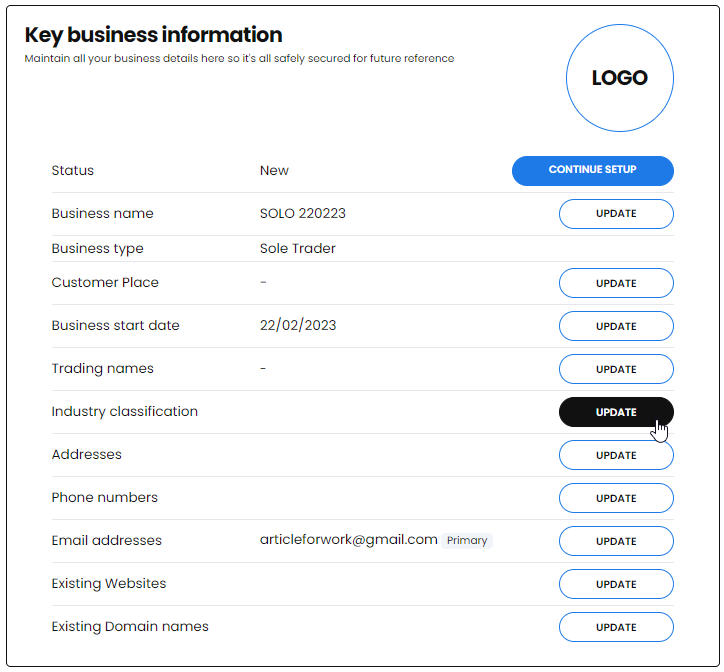
Scroll down to the Key Information tile and find Industry classification and click UPDATE
You can use the Search field to enter a description of the business you are in OR use the drop down menu to browse and find the BIC codes
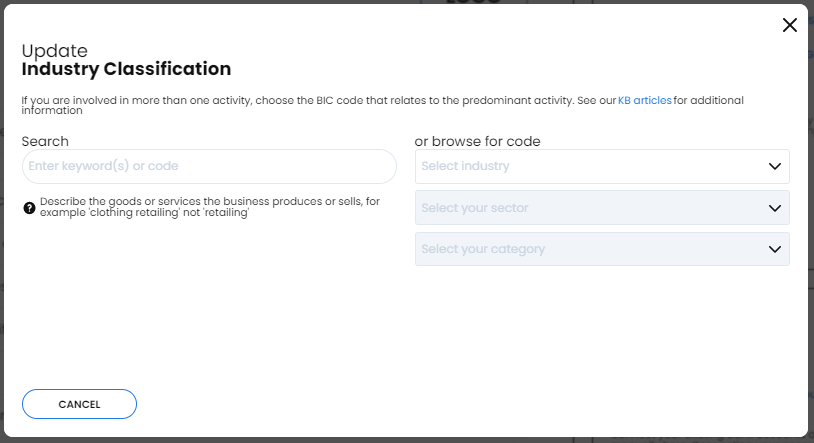
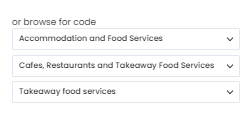
Using the three drop down menus to select the closest description of your business
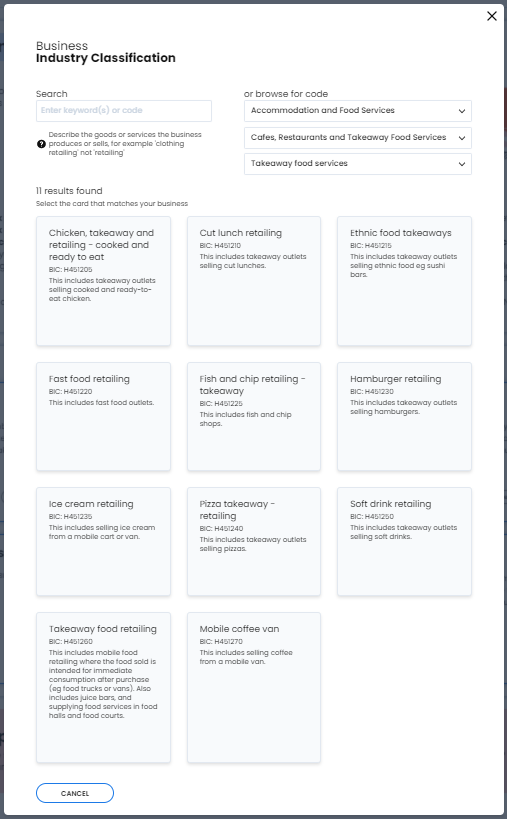
You will be given all possible BIC codes. Select the one that best describes your business
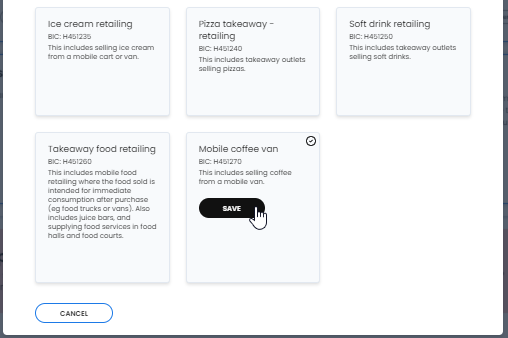
Click the box showing the specific BIC code you want to choose. Click the Save button
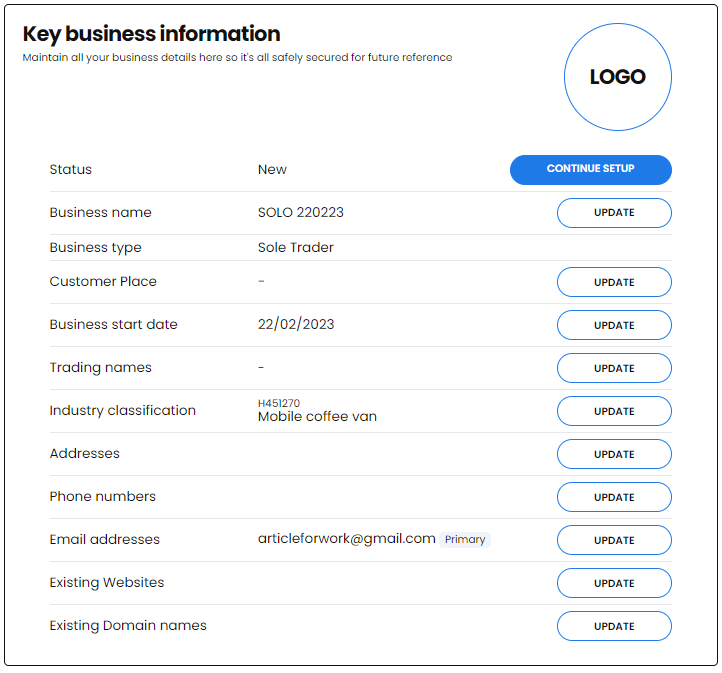
Your BIC will show on the Industry classification field NB You can click the Update button and change the BIC code at any time if you wish