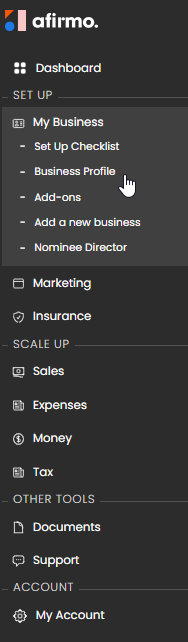
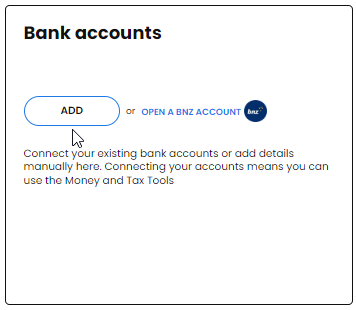
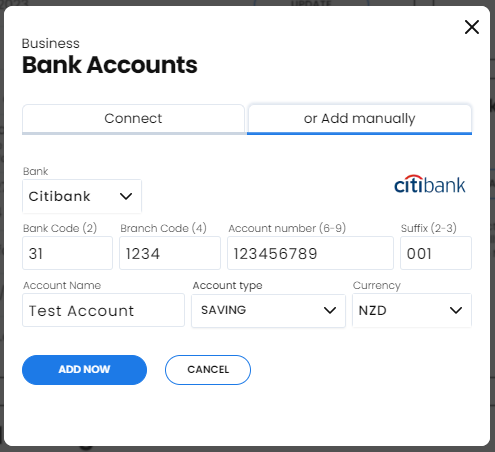
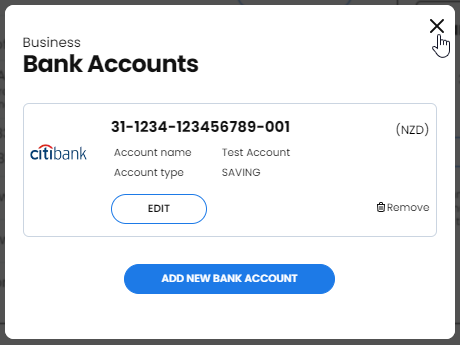
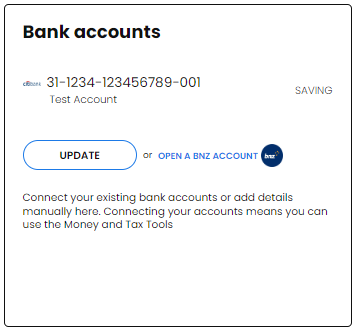
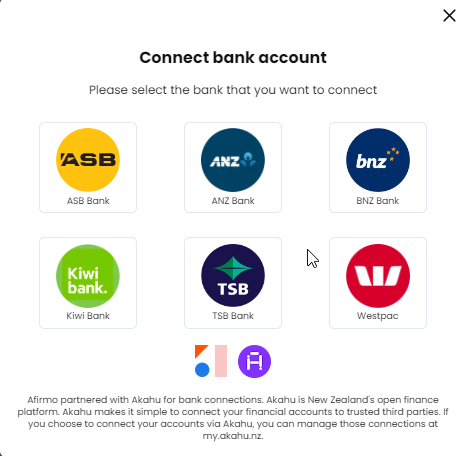
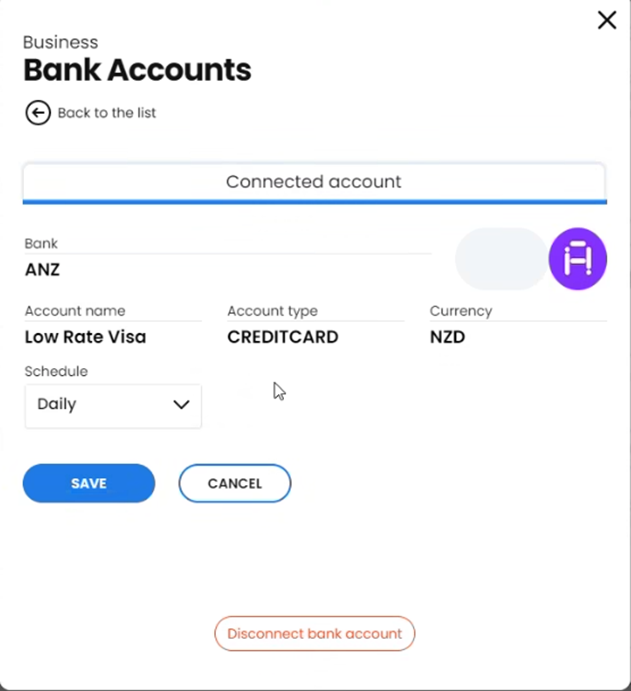
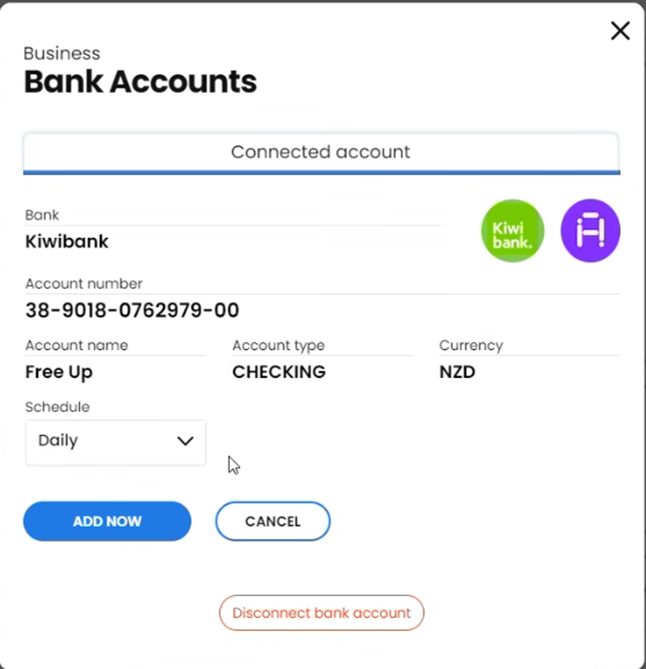
A bank account can be added for different purposes. Add the account to the business profile when its details need to appear on invoices. Use the Money area when the account will be used for transaction matching, tax calculations or a bank feed.
Add a manual account in Money
1. Go to Money > Summary.
2. Under Accounts, select Manage.
3. Select New Bank Account.
4. Select Add Bank Account Manually.
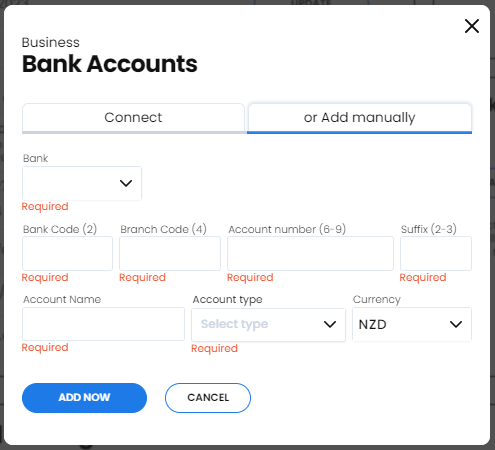
5. Enter the account details and choose the correct account type.
A manual account is not connected to the bank and does not import transactions automatically. You can record or match manual transactions against it so Afirmo's accounting and tax information can reflect those entries.
Use a live bank feed
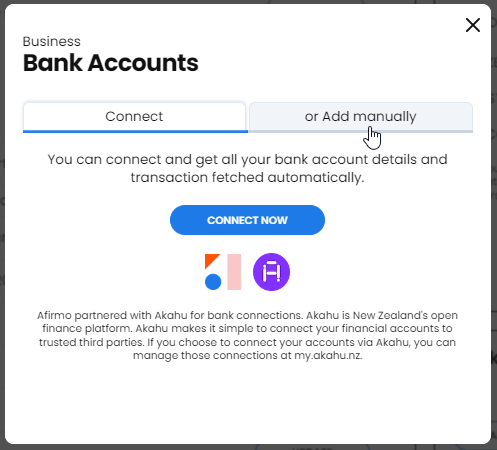
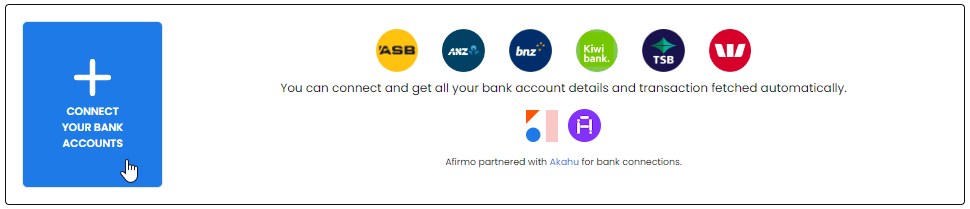
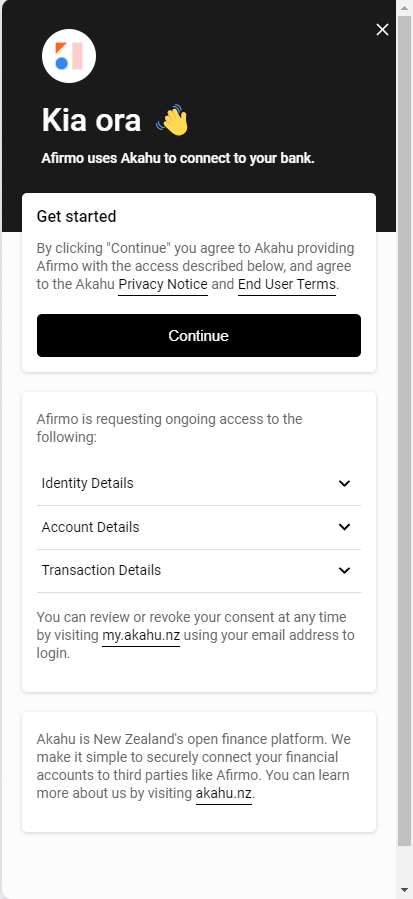
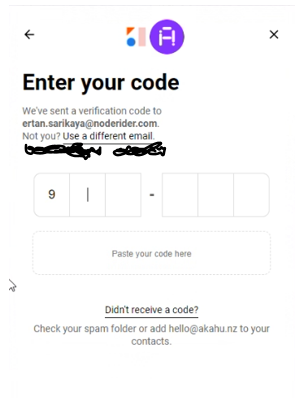
Use Afirmo's supported Akahu connection flow if automatic transaction imports are required. Follow the bank and Akahu authentication prompts and approve only the permissions you intend to give.
If Afirmo says the account number already exists, ask support to confirm the correct setup. Do not invent an account suffix unless Afirmo has instructed you to do so for that account.