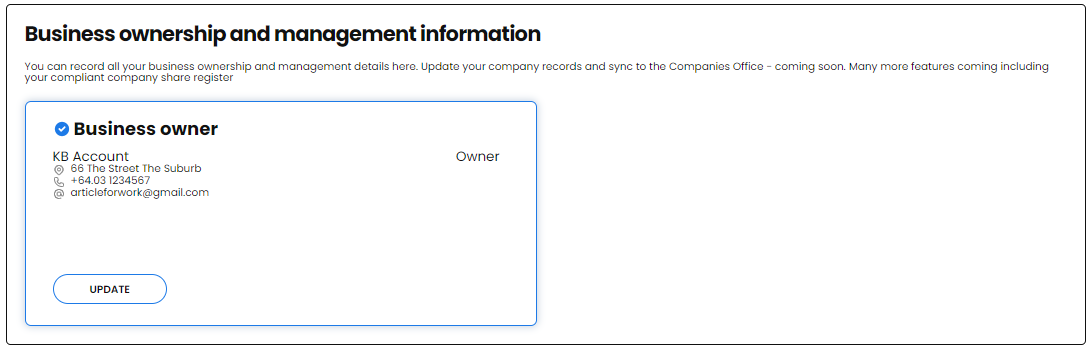
If you are a Sole Trader, in Profile, scroll down to the Business ownership and management information tile
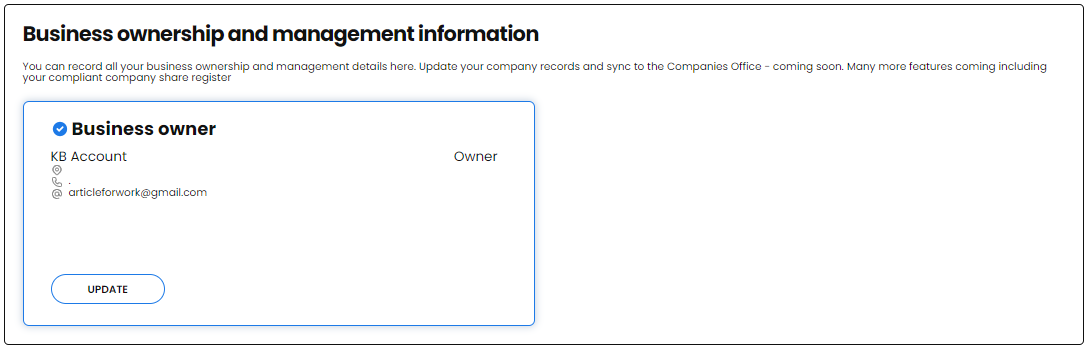
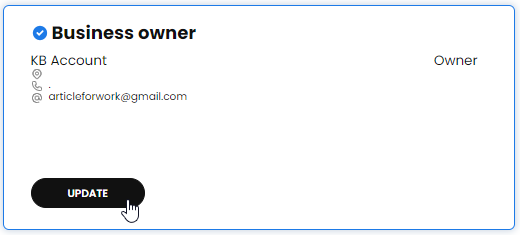
In the Business owner tile, click on UPDATE
Then click EDIT
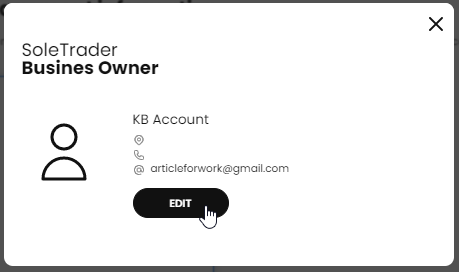
Complete all the fields shown with the Business Owners details.
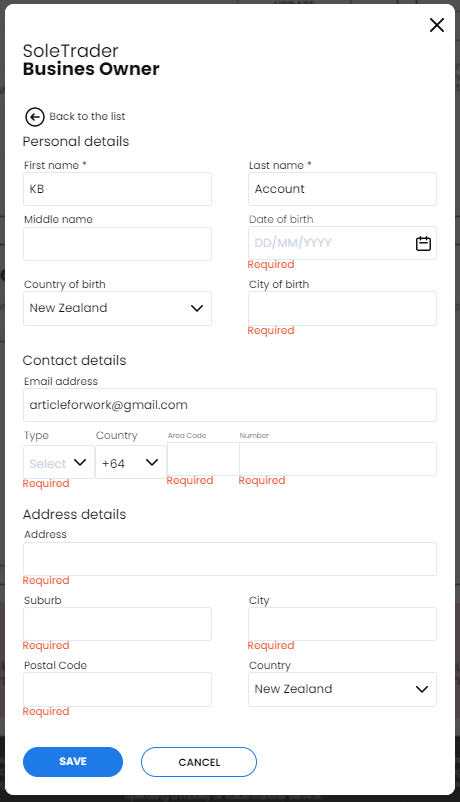
NB This could be different from the details you have added to the other boxes in the Business Profile.
Click SAVE when you are finished
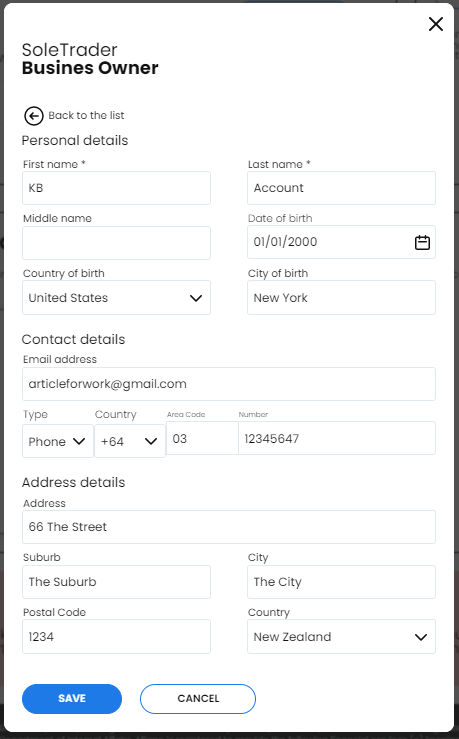
Click the X to return to the Profile
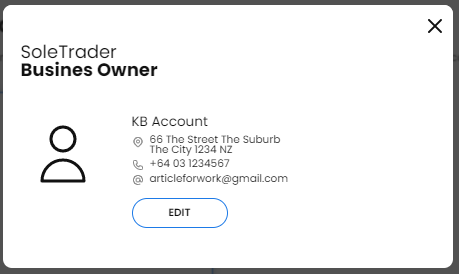
The information can now be seen in the Business Owner tile